Octopus.tools
Piranha App

Views

Pick the angles you need, drag them into order, and export your setup as a PDF.

How it works

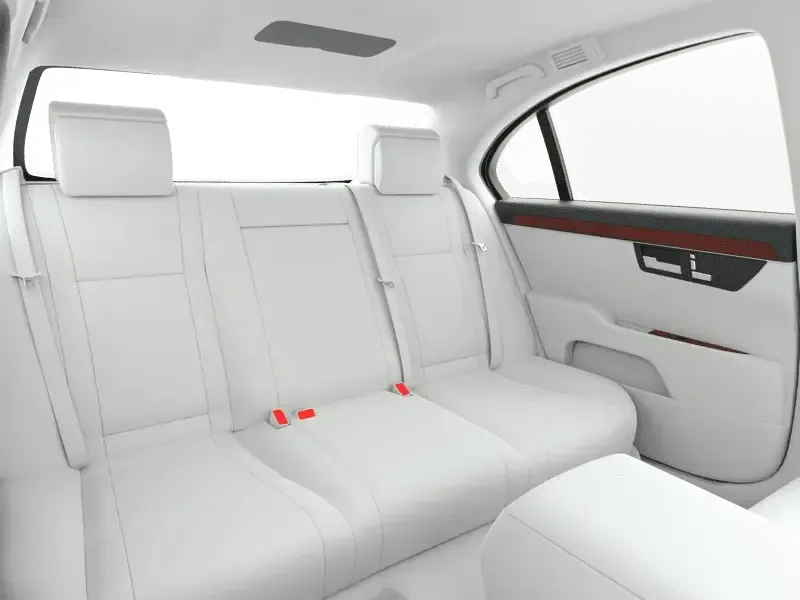
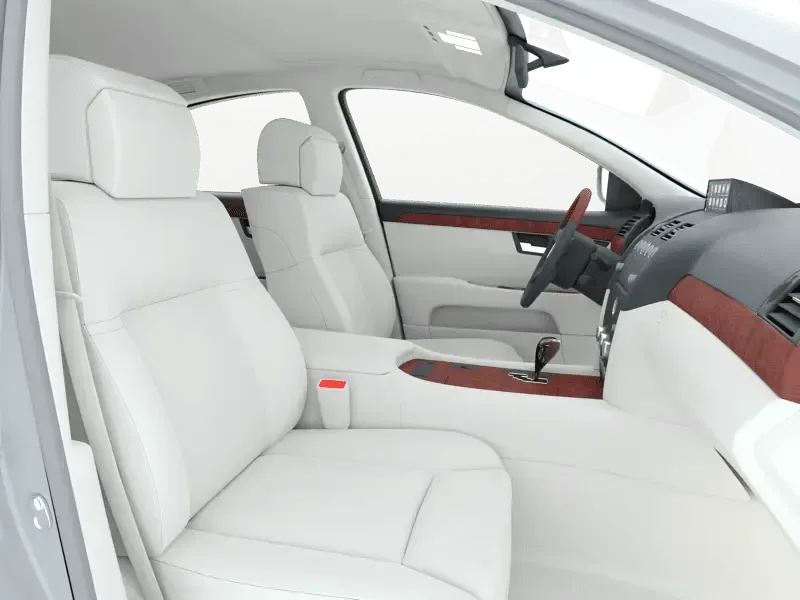
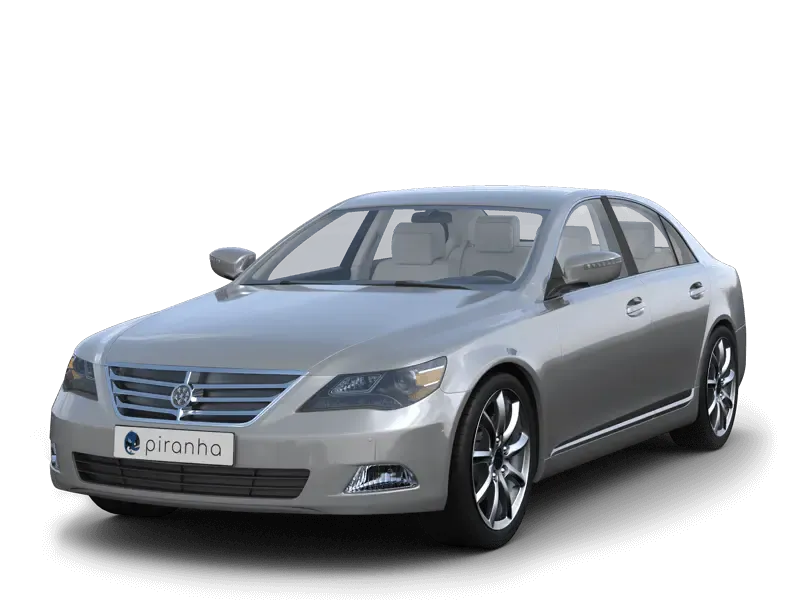
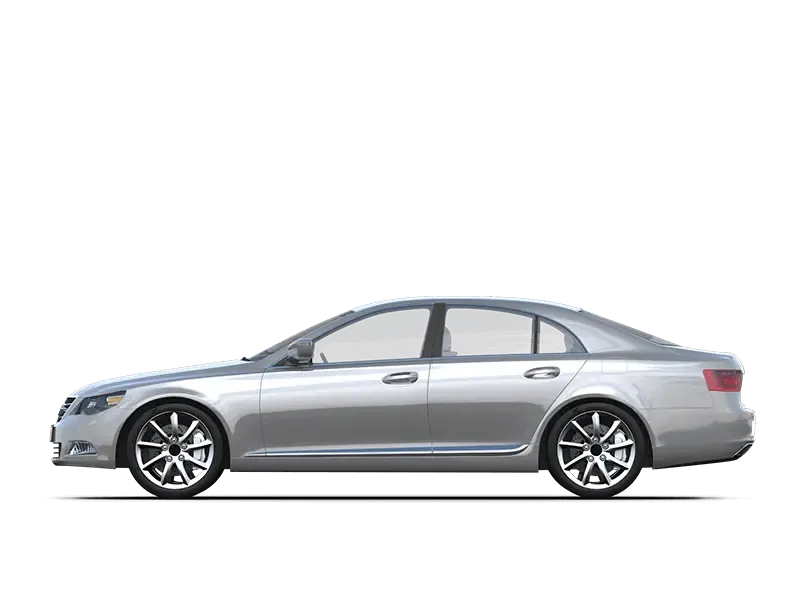
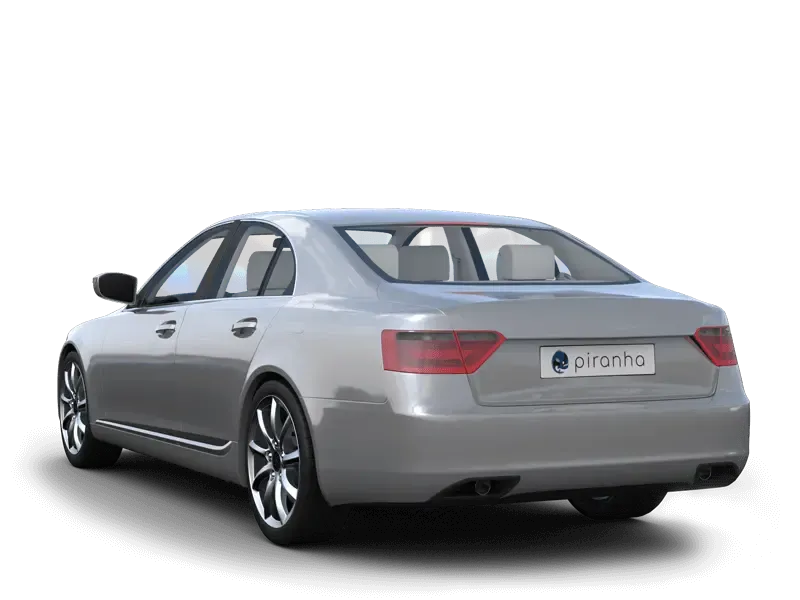
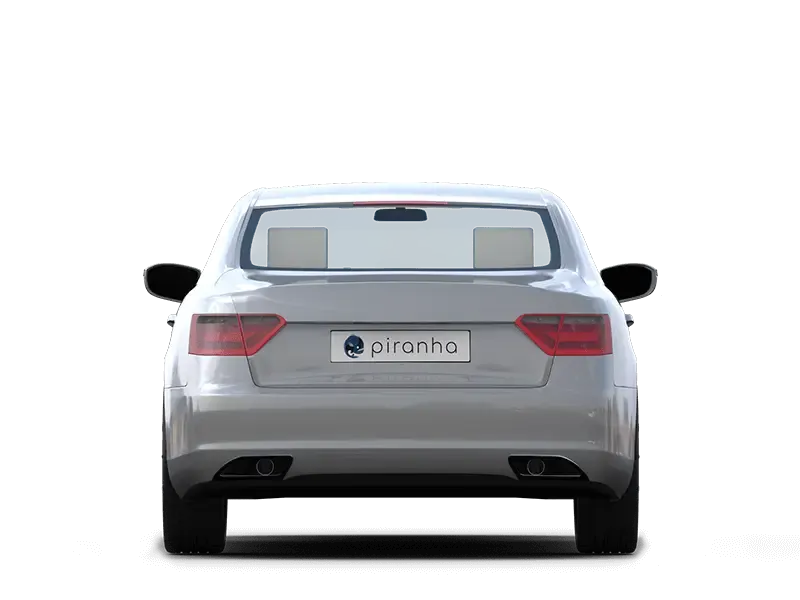
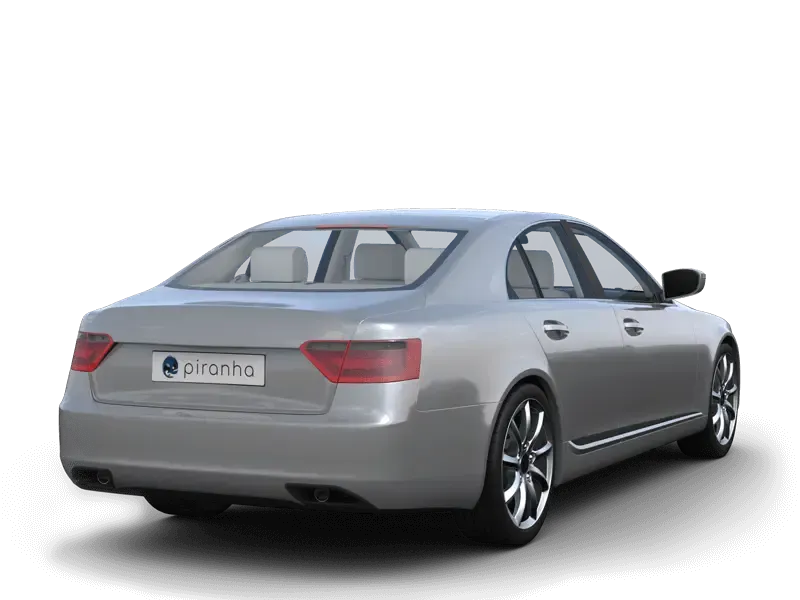
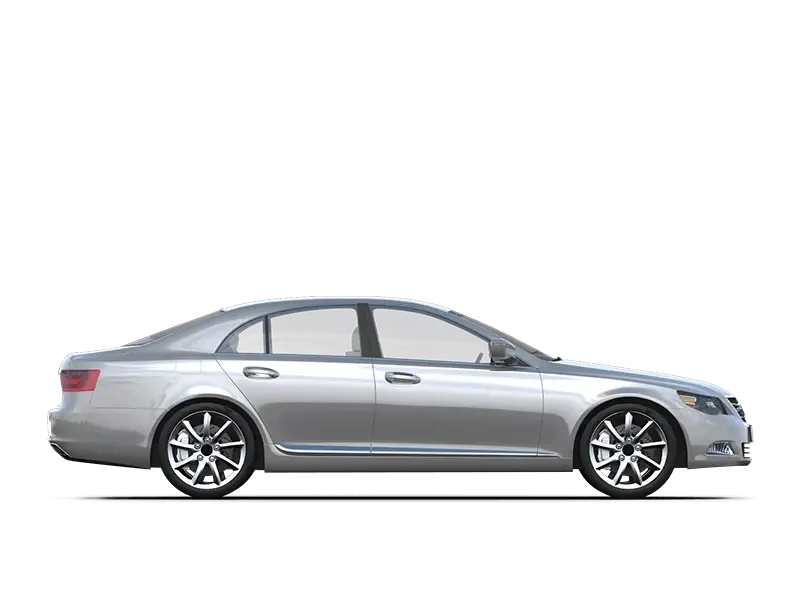
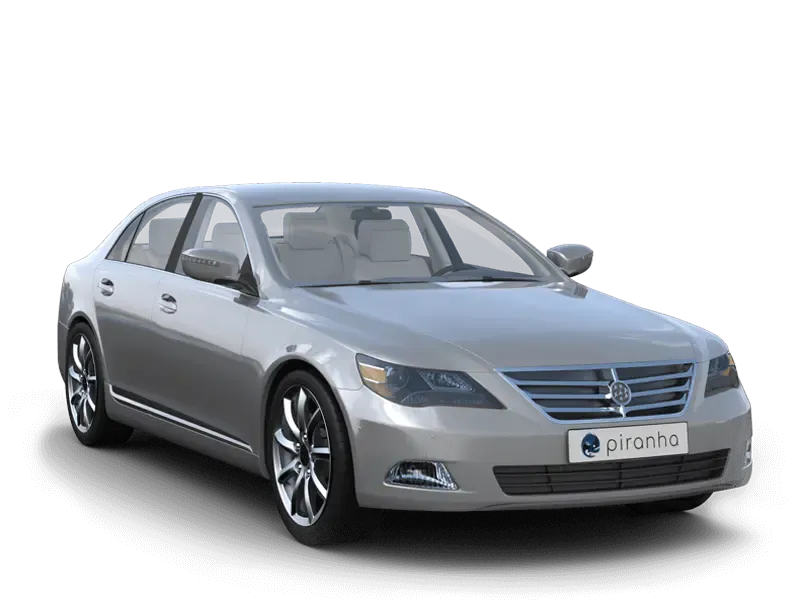
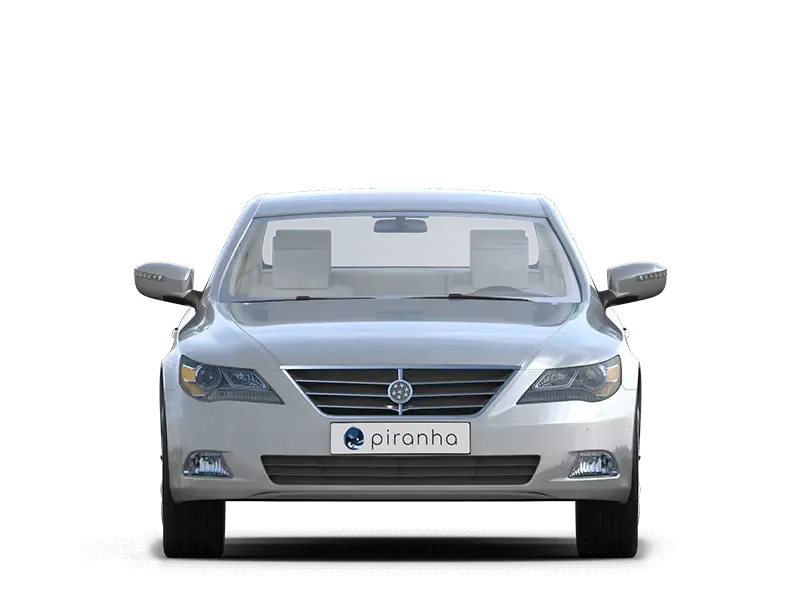
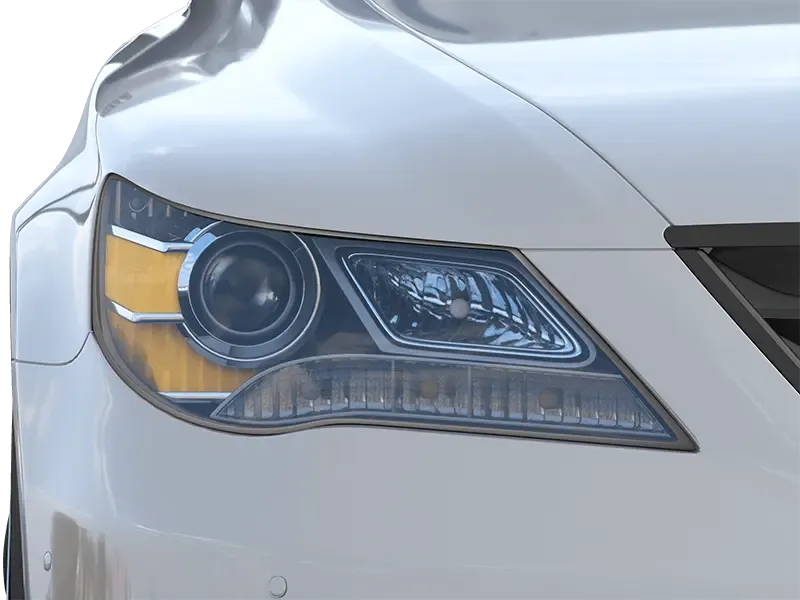
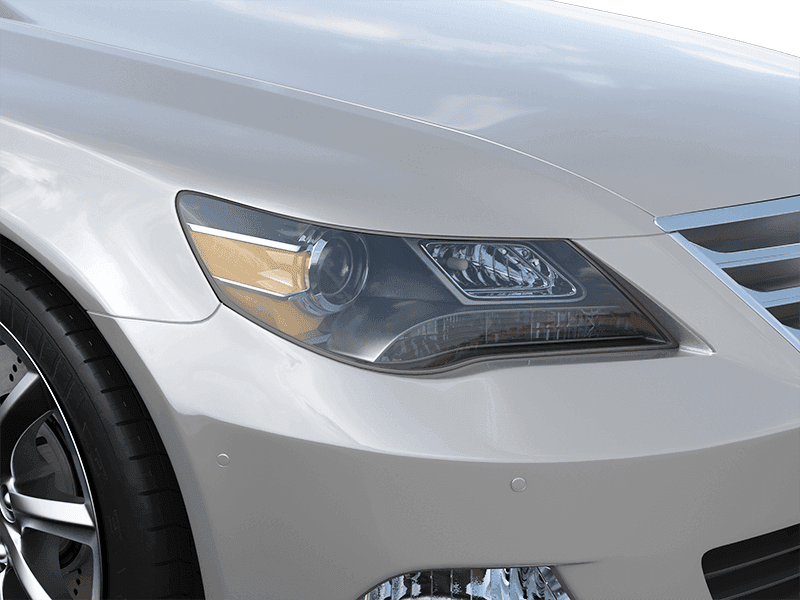
Below you’ll find all views available in the Piranha App — they help you photograph your vehicles from the optimal angle and distance.

  1. 1 Filter the catalog by vehicle type and drive side (left- or right-hand drive). Your selection carries over when you switch sides.
  2. 2 Click a view to add it to “Your setup” at the bottom. Reorder the views via drag-and-drop.
  3. 3 Views are marked as “retouched view” by default — switch it off for views that shouldn’t be edited.
  4. 4 “Specials” are views without fixed requirements that can optionally be taken at the end of the mandatory views.
  5. 5 +49 30 588 444 44 — feel free to call us if you have any questions or once your setup is ready. You can also export your setup as a PDF and send it to support@octopus.tools or your personal account manager.