Octopus.tools
Piranha App Piranha App

Automotive photography via app

Photos, videos, 360° spins and interiors — all in one app.

  • Consistent results
  • No more manual file management
  • Enormous time savings (up to 82%)

Features of the Piranha App

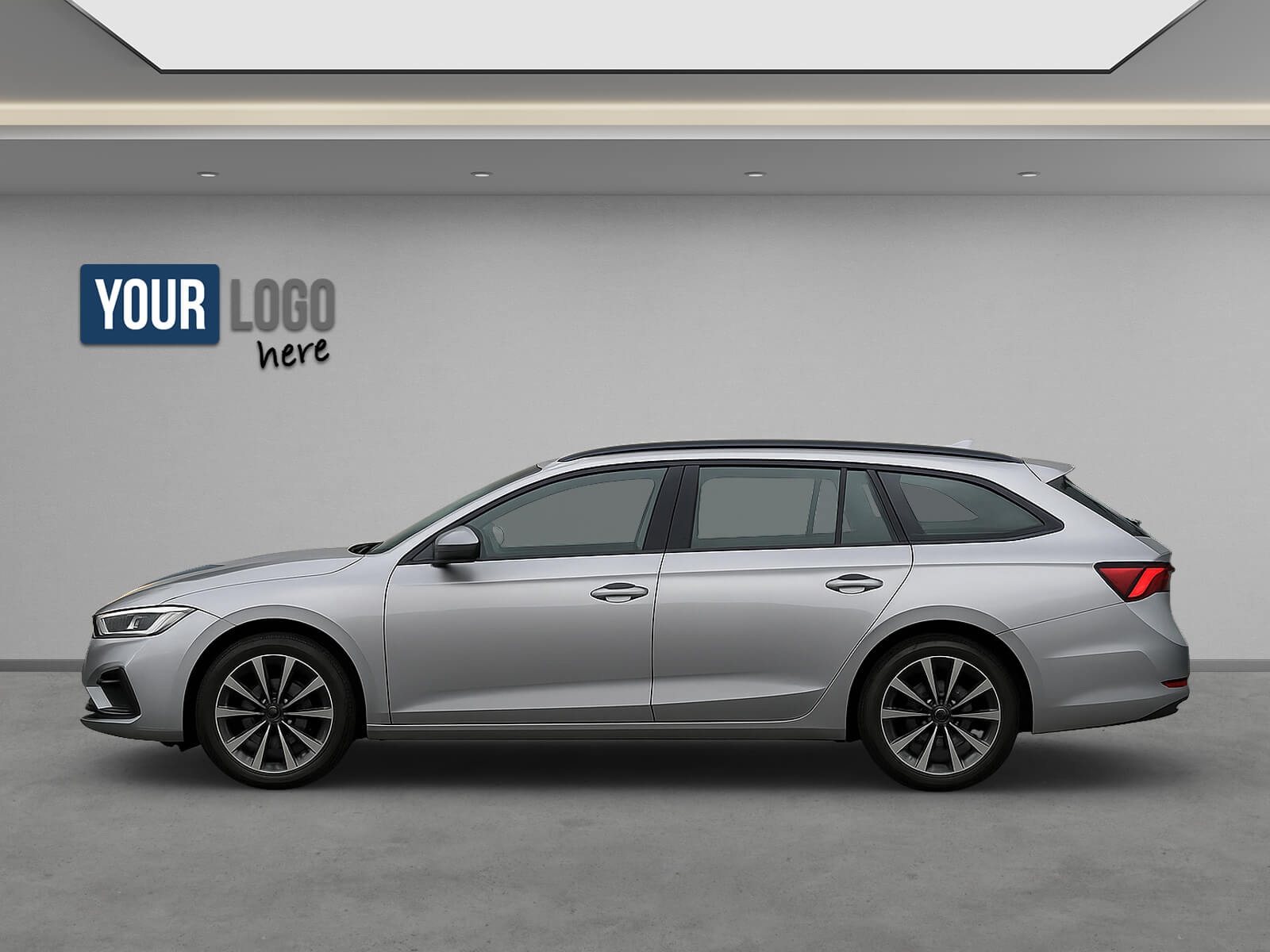
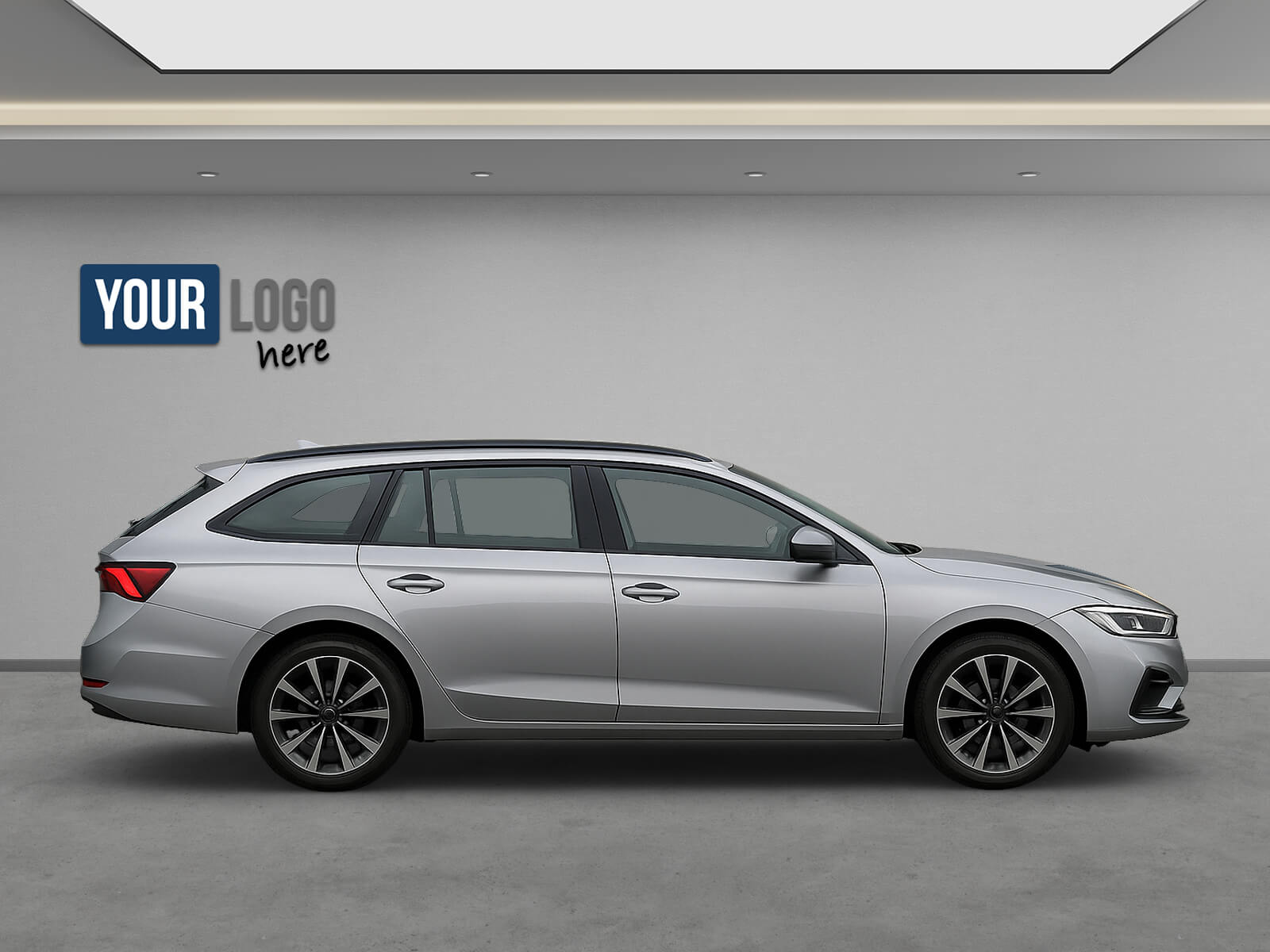
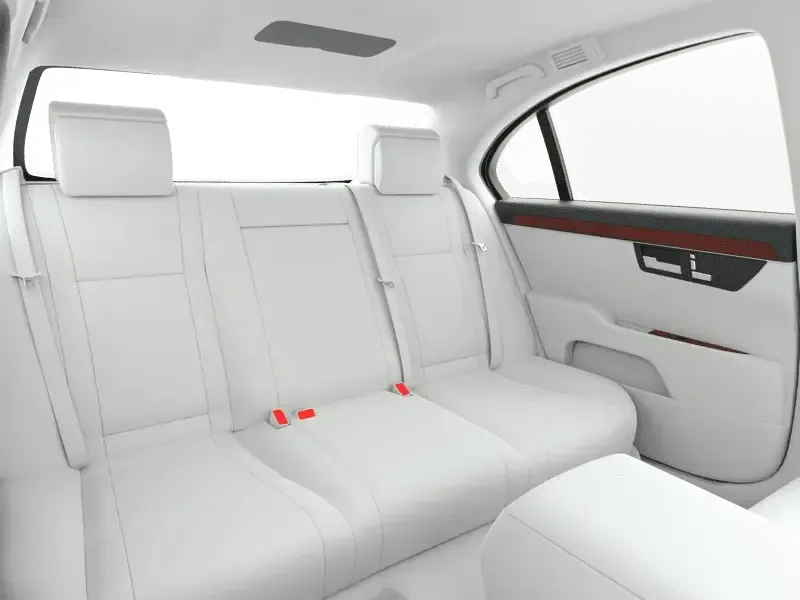
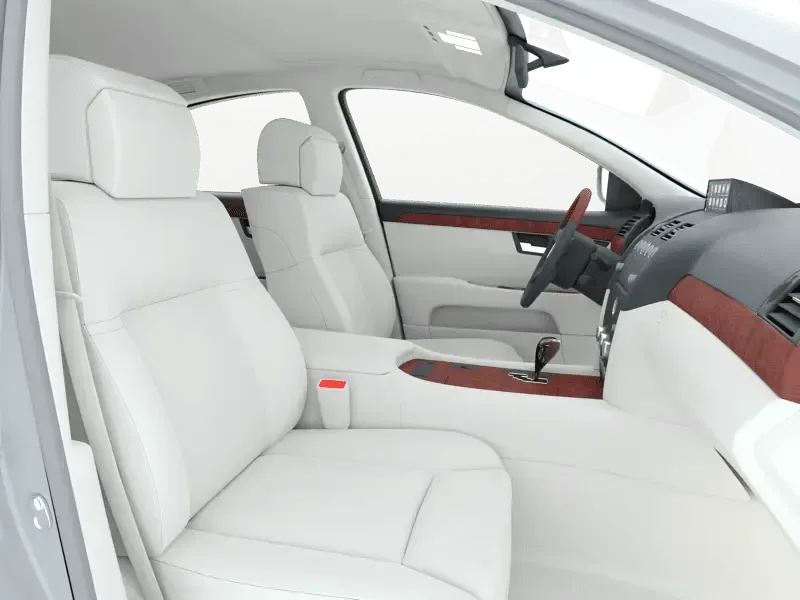
The Piranha App now allows you to take photos, 360° spins, 360° interiors, and capture videos, all with the same app. If you want to provide transparency for your potential customers and show them the vehicles in full detail (interior as well as exterior), our Piranha App is your solution.

What is Piranha?

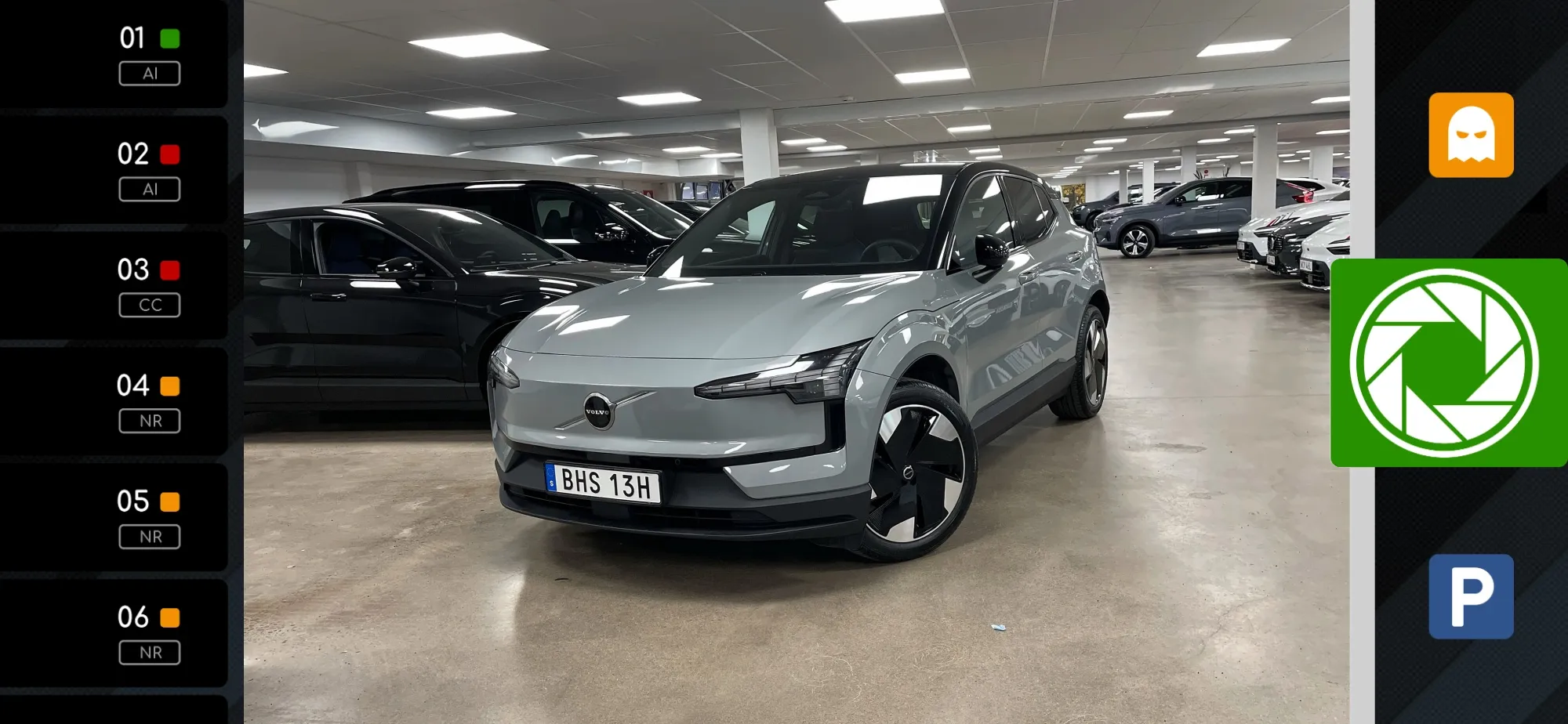
The Piranha App was designed to make automobile photography as simple and intuitive as possible, especially since current smartphones are in no way inferior to conventional digital compact cameras. Based on your requirements, it tells the photographer how many photos to take and which views to choose, and helps them shoot the vehicle at the perfect angle. In real time, it checks whether the photos are suitable for further processing. Subsequently, the images are transmitted directly for AI image editing.

The Piranha App streamlines your processes, helping you save time and money. From taking the photos to handing them over for processing, everything happens in one app in just four steps:

The finished images are then made available via the desired path. This can be done, for example, via a download link by email, on the Piranha website or automatically via MEG Connect.

  • Select product – the number of images, the resolution of the images and your desired backdrop are already stored in the product
  • Scan or enter the vehicle identification number (VIN) – the VIN serves to uniquely assign the images to the vehicle
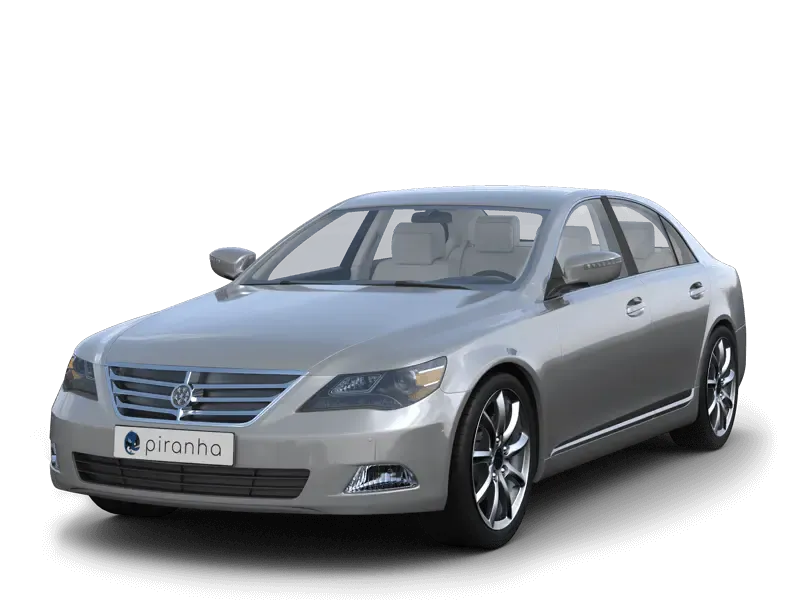
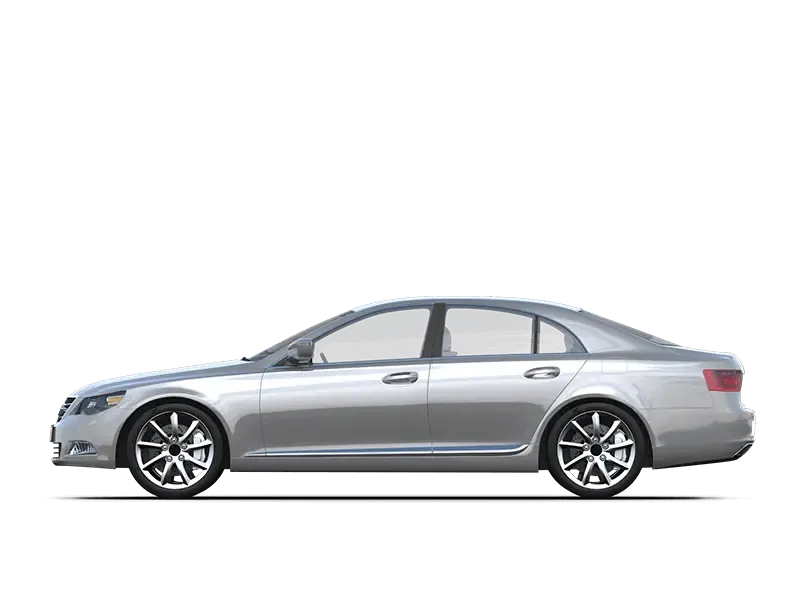
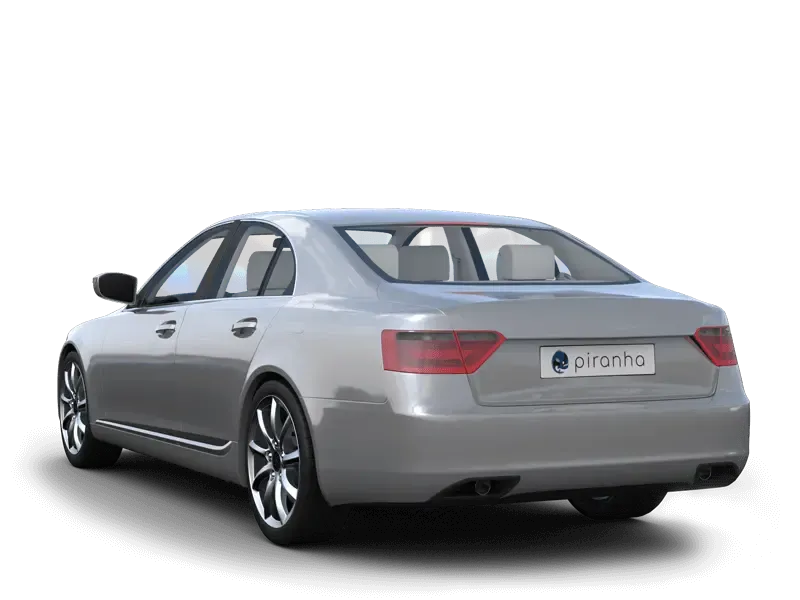
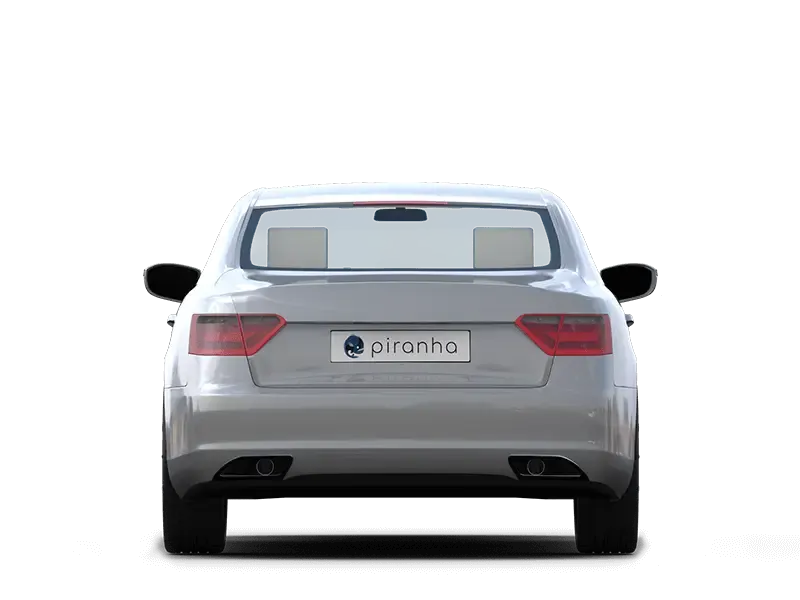
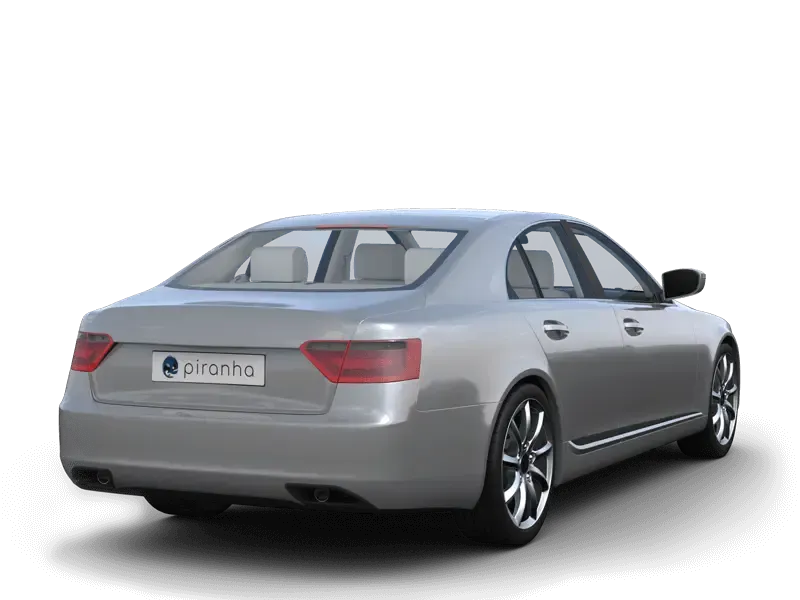
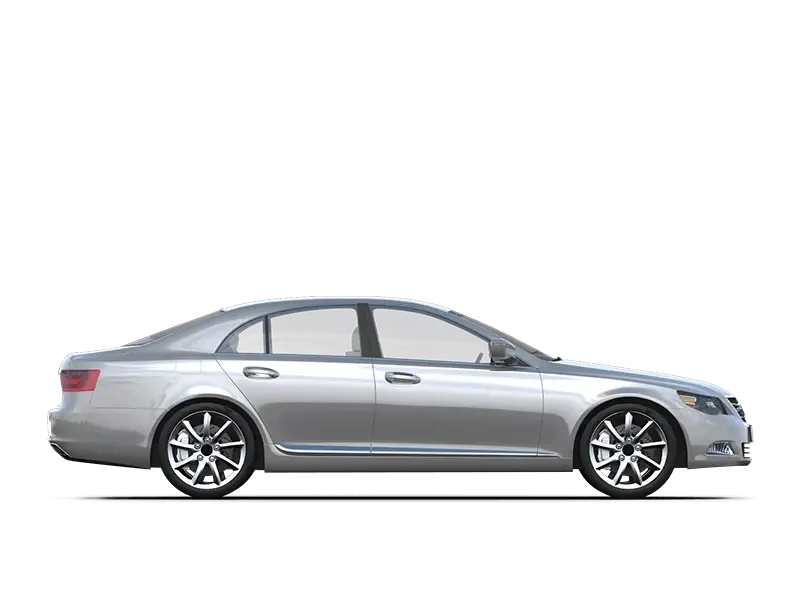
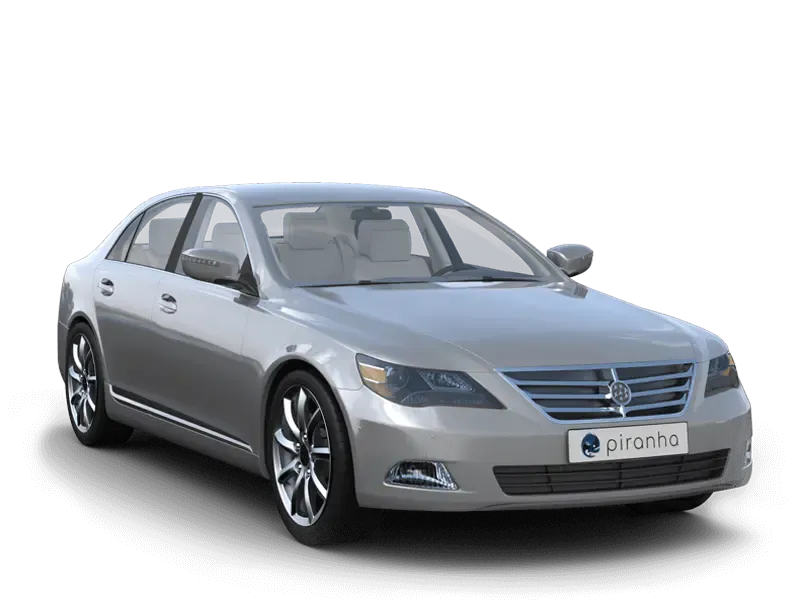
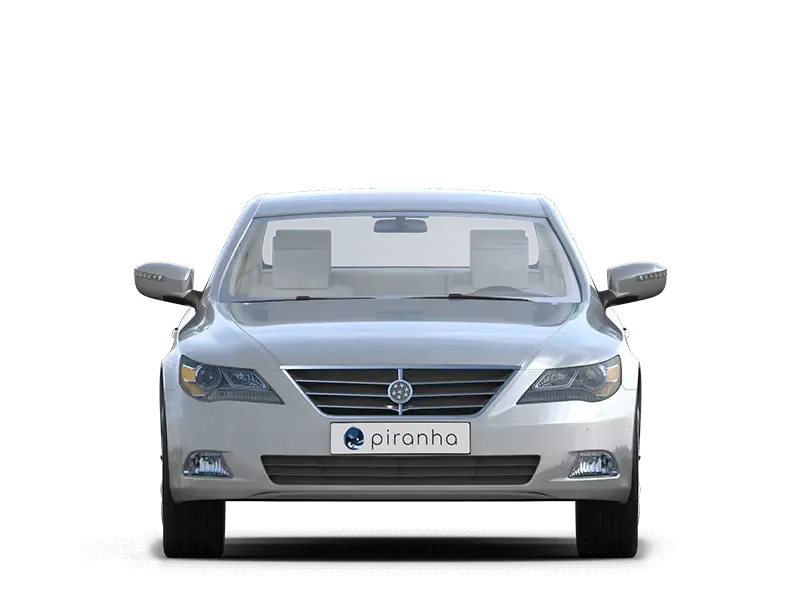
  • Take pictures – the Piranha App helps to find the right views and angles through contour lines and sample images
  • Transfer images – all images of a vehicle are grouped into a batch and can be transmitted immediately or at a later time for processing

Onboarding process
  1. Request a test account. Ask our support team for your free test account: by phone at +49 30 588 444 44, by email to support@octopus.tools or via our contact form. For the trial we set up a ready-made view set for you. Your own views and backdrops can be defined later.
  2. Install the Piranha App. Once you have your test account credentials, download the Piranha App from the App Store or Google Play and sign in.
  3. Capture a set. Launch the Piranha App and capture your first vehicle.
  4. Switch from test to active. Convinced? Just let our support team know and we will switch your account from test to active and you are ready to go.

Piranha backdrops

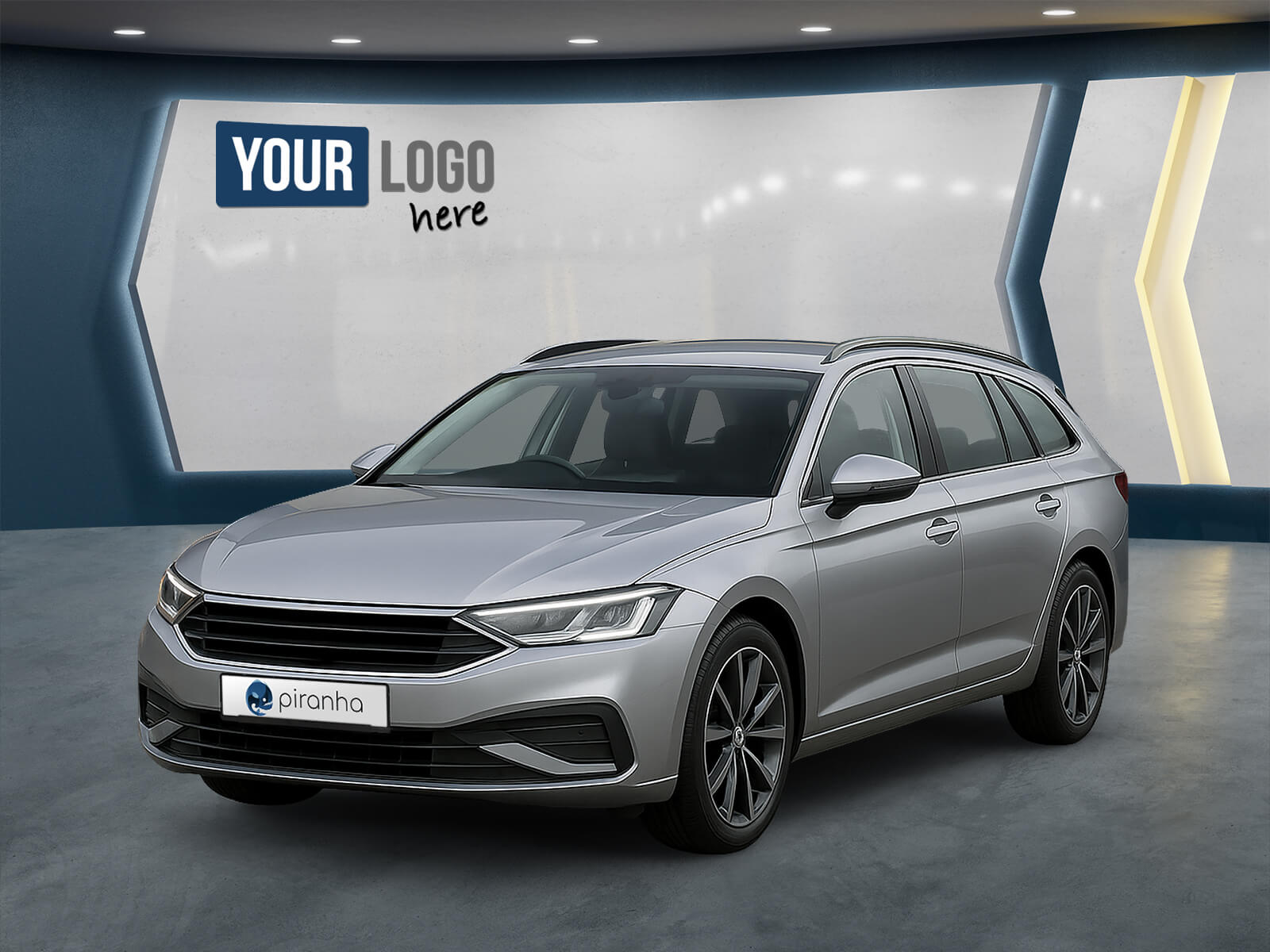
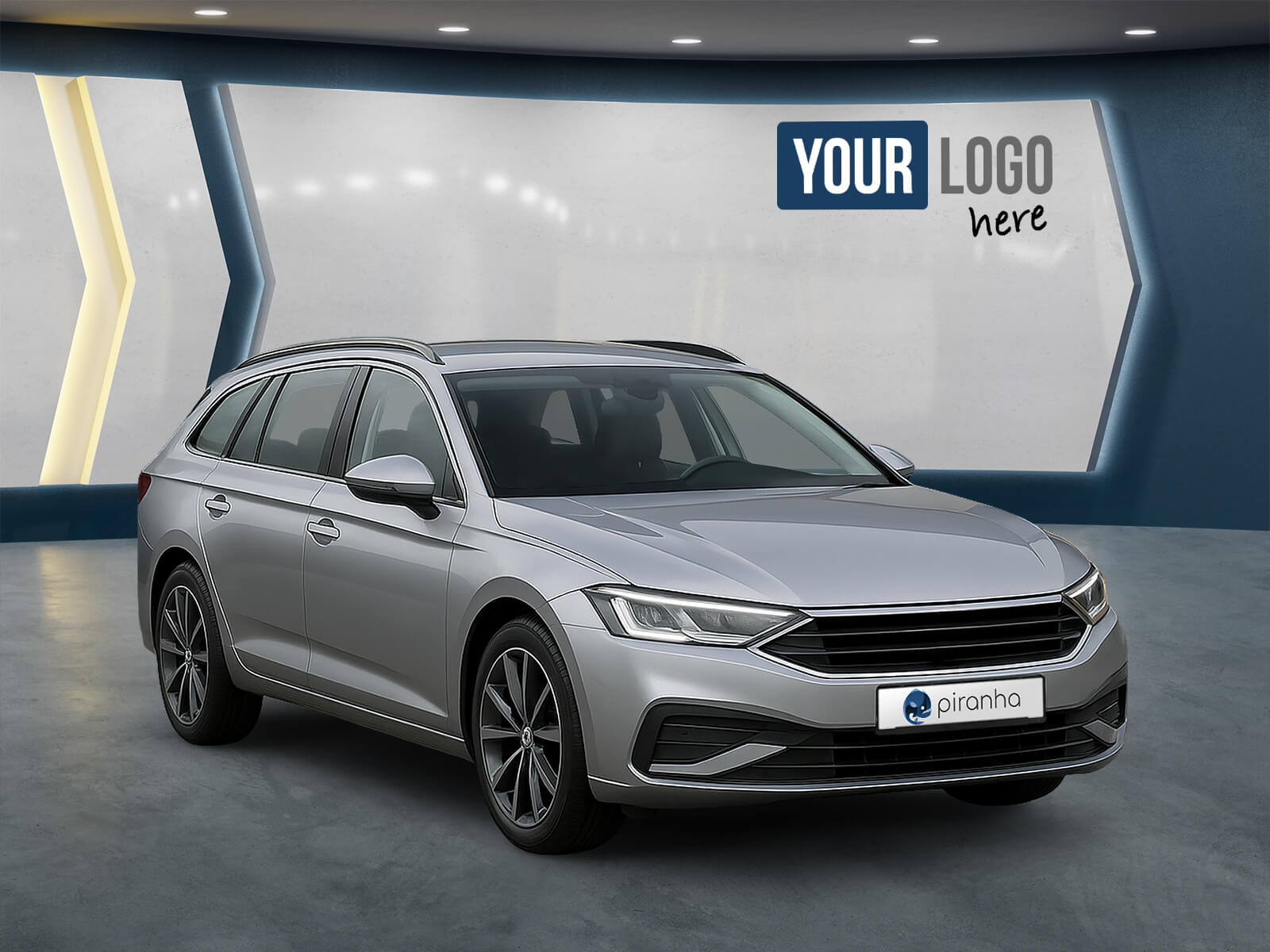
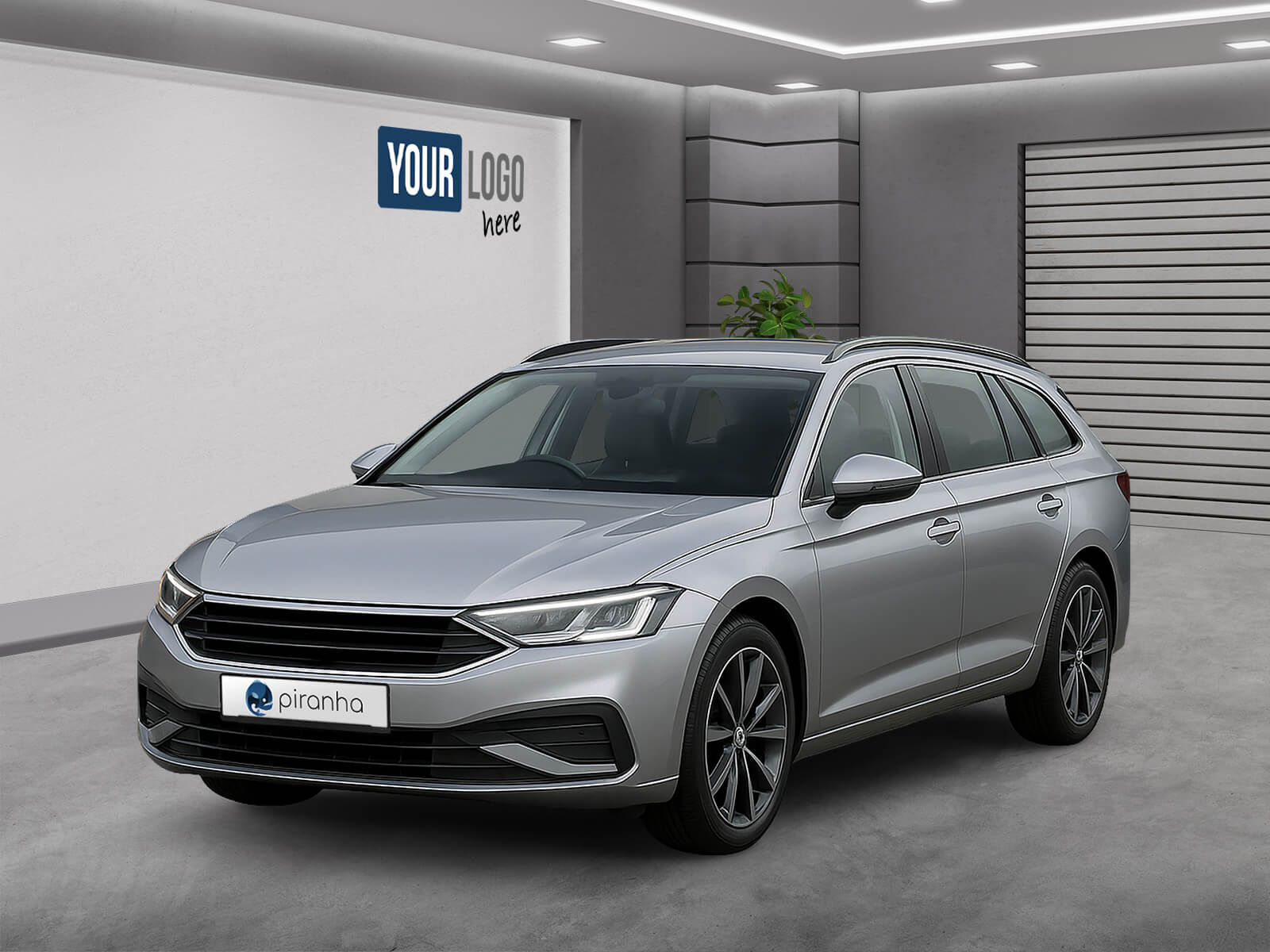
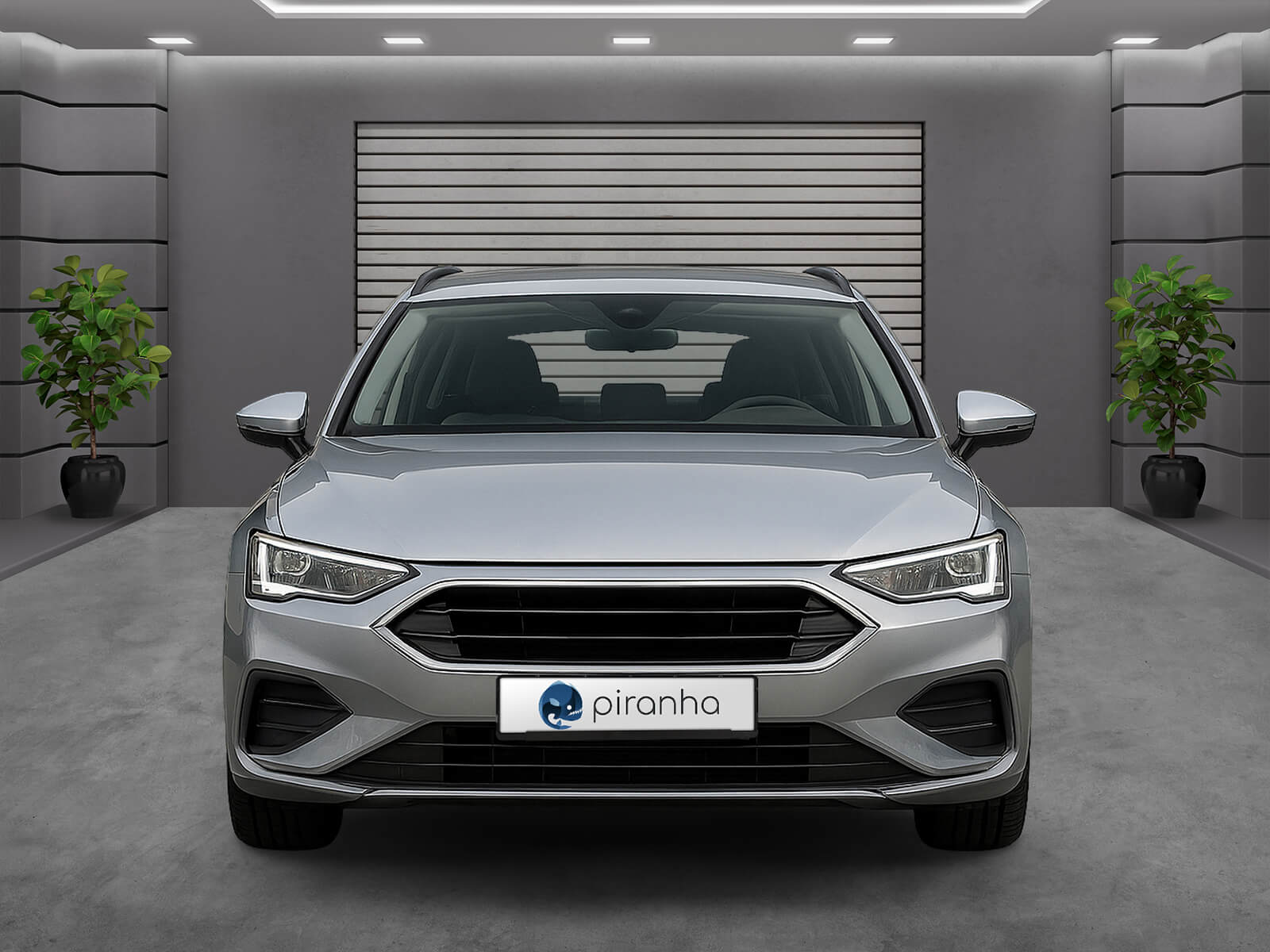
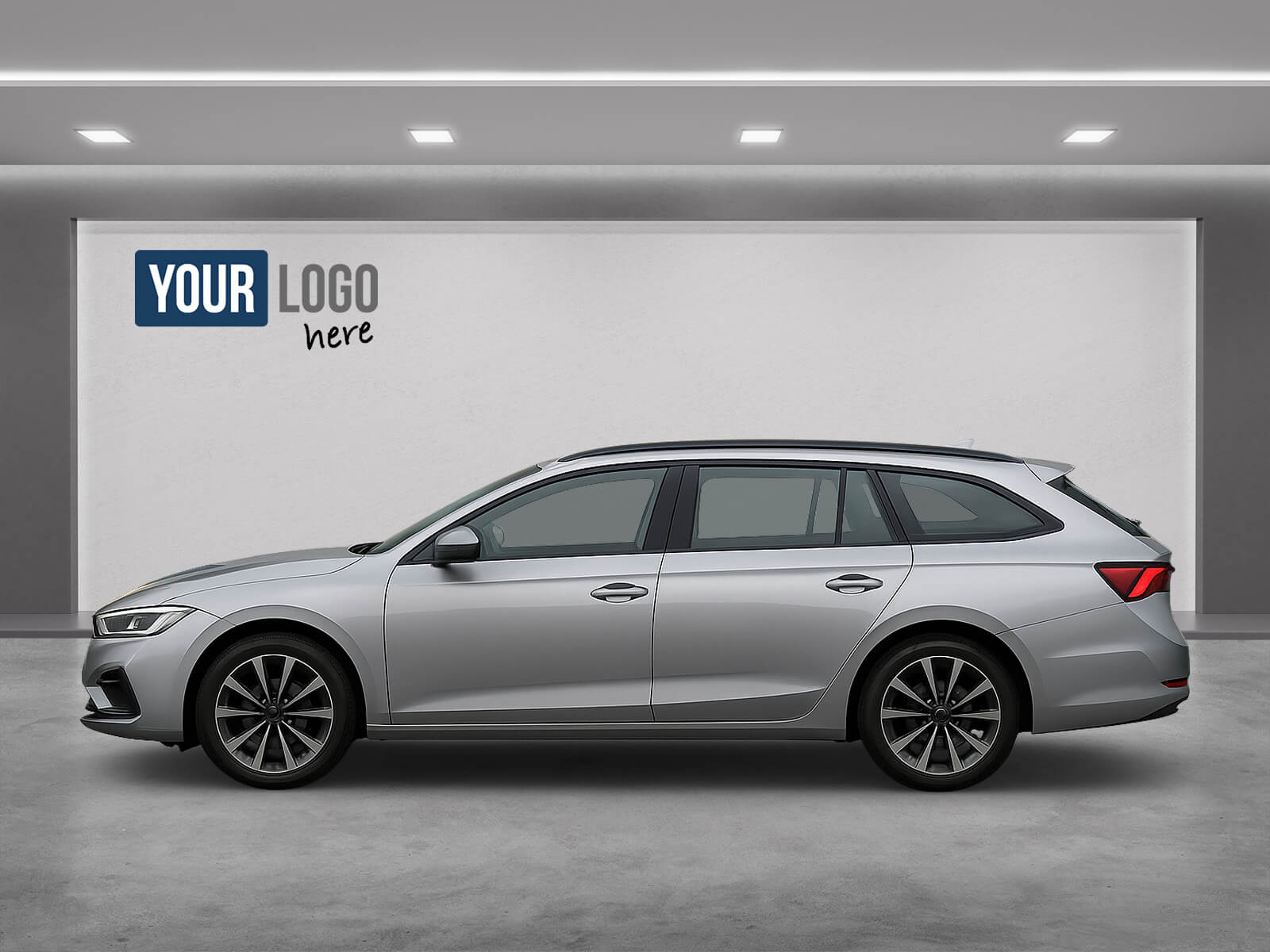
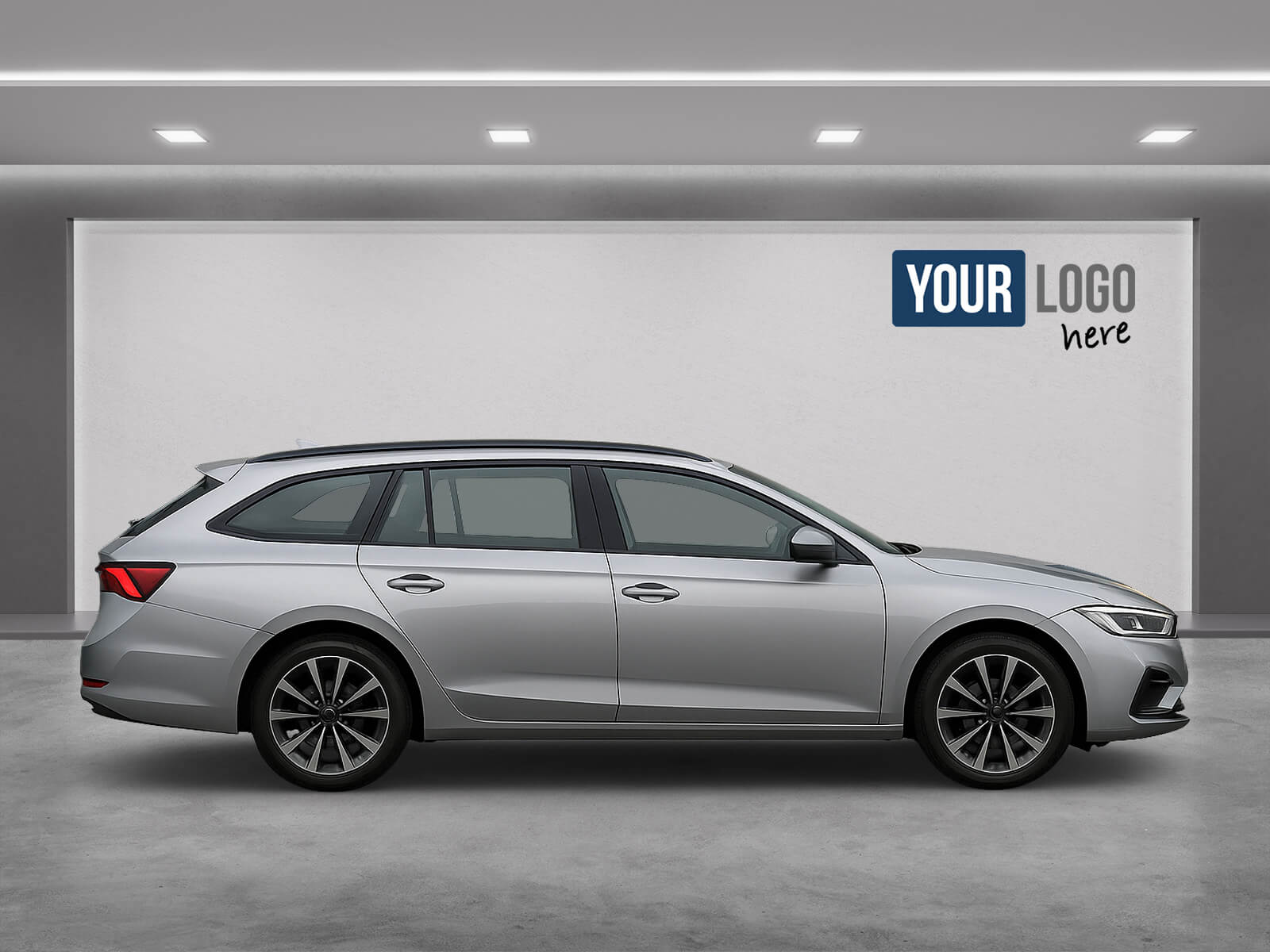
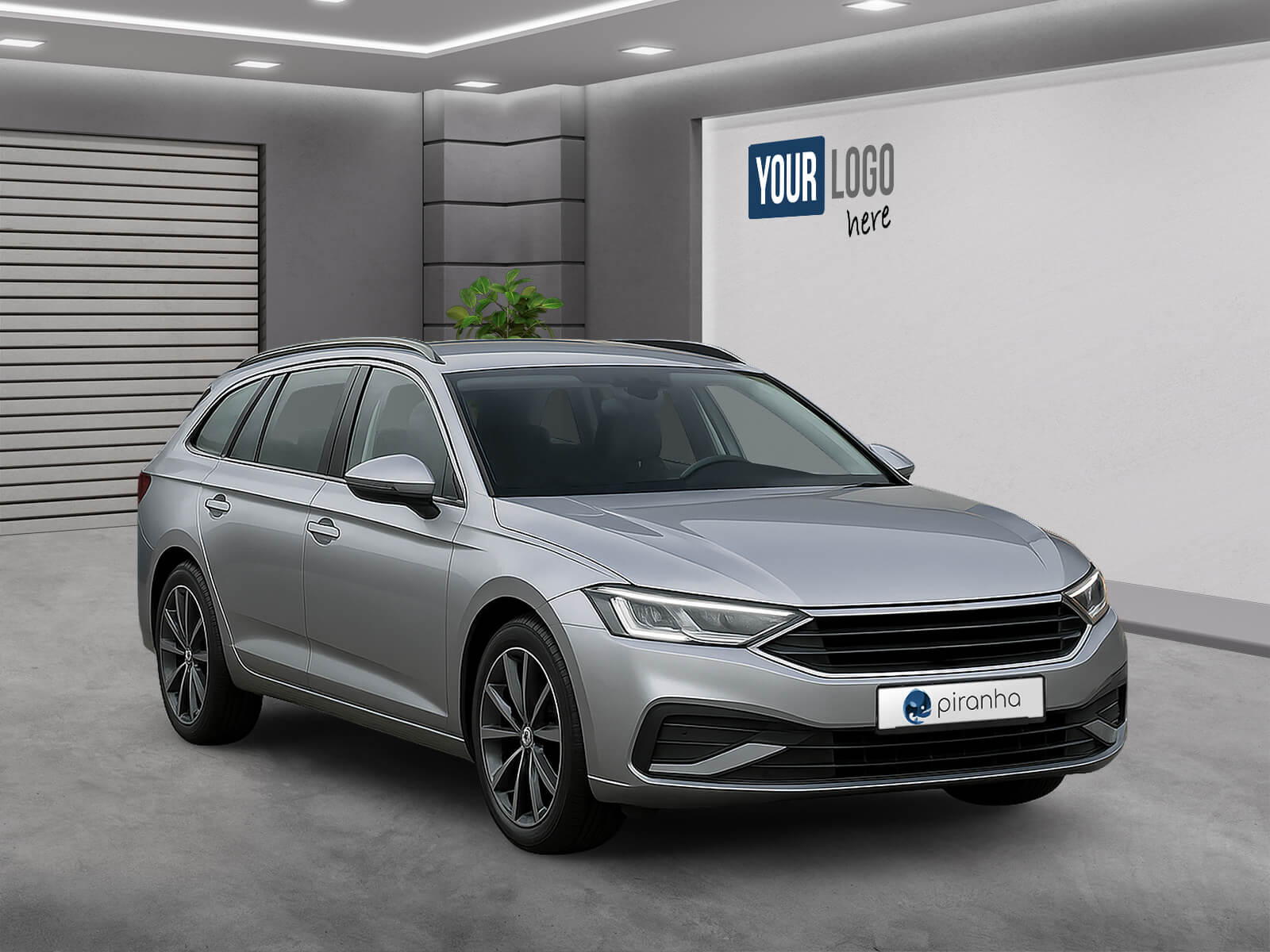
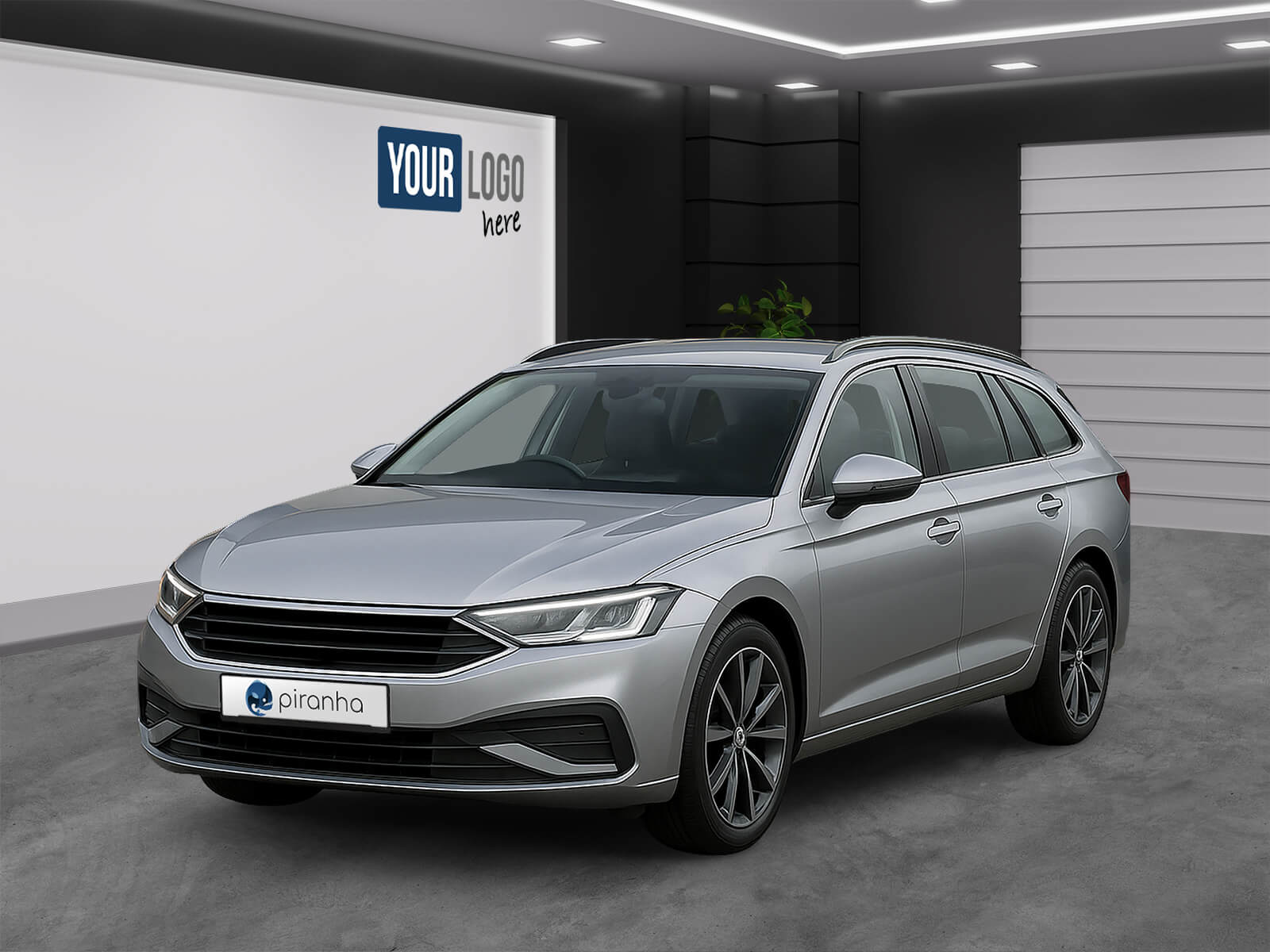
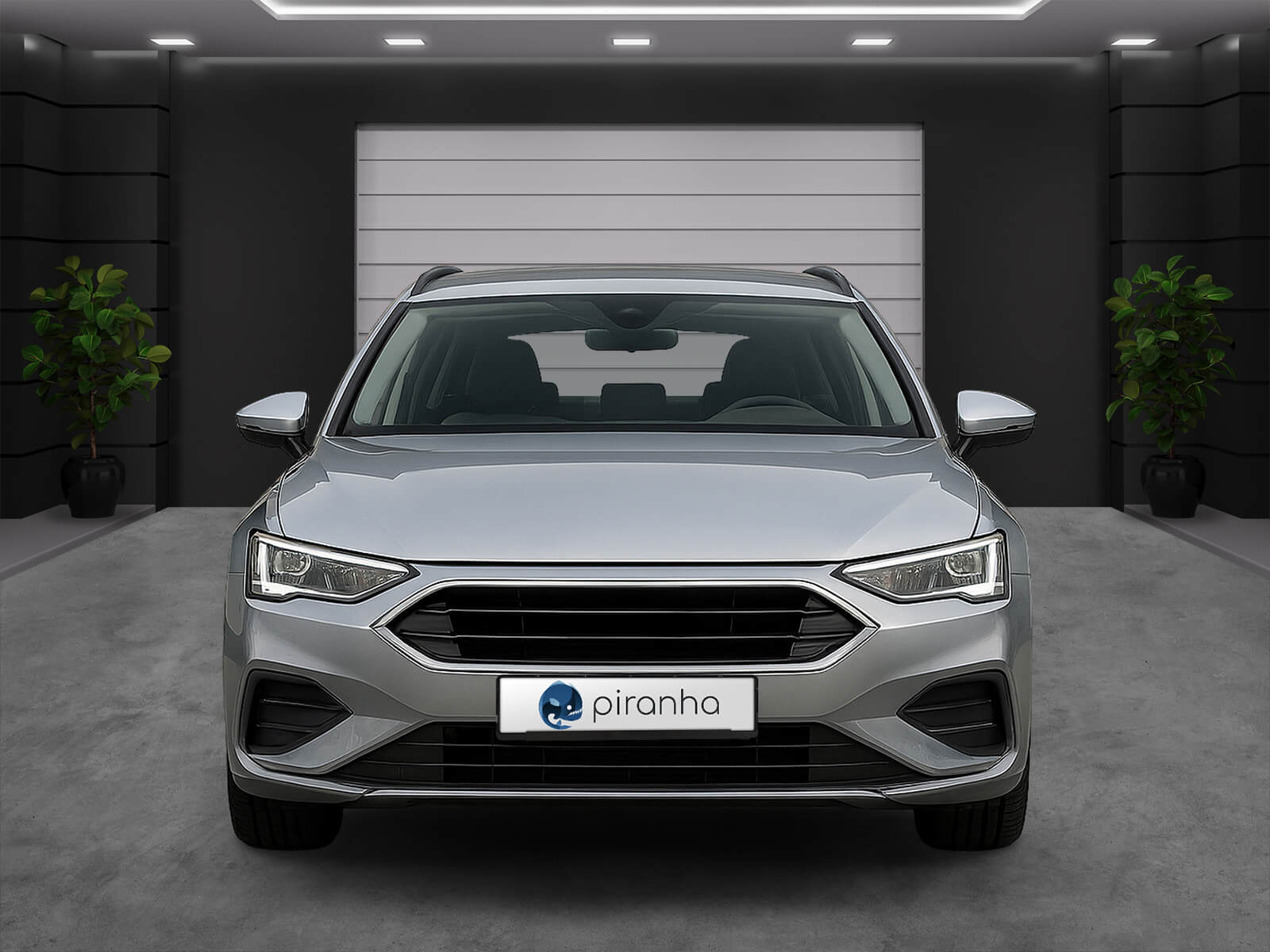
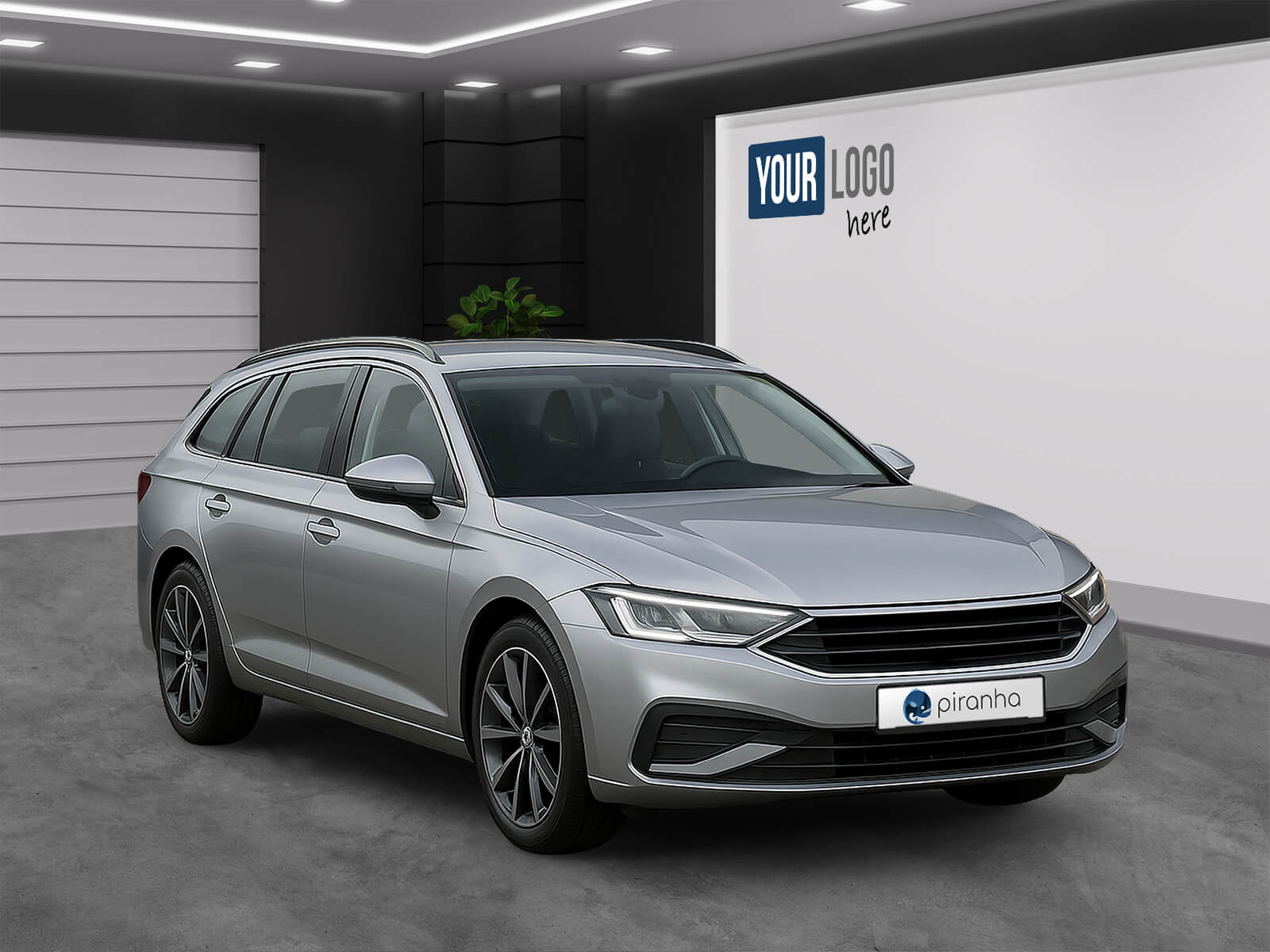
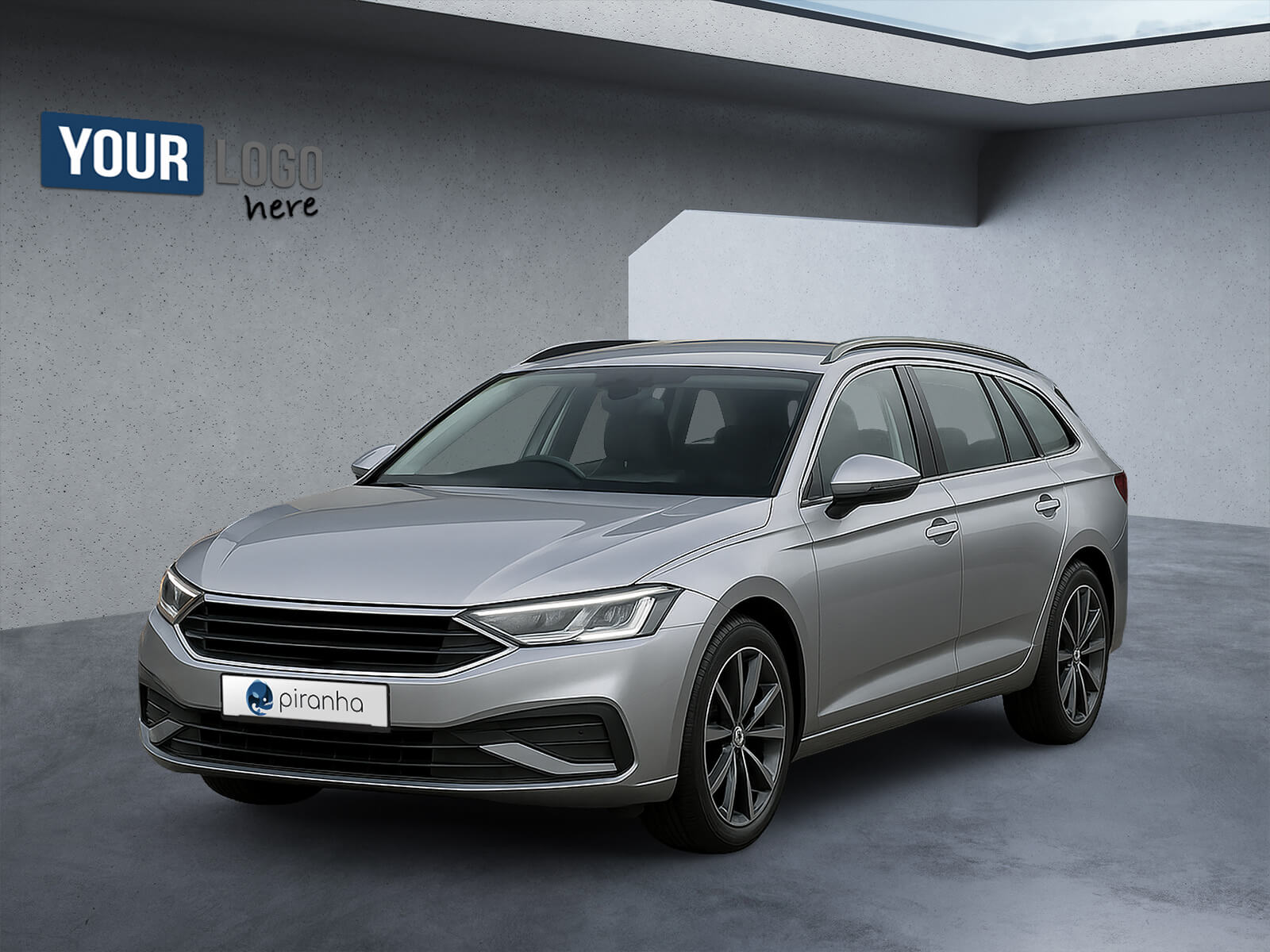
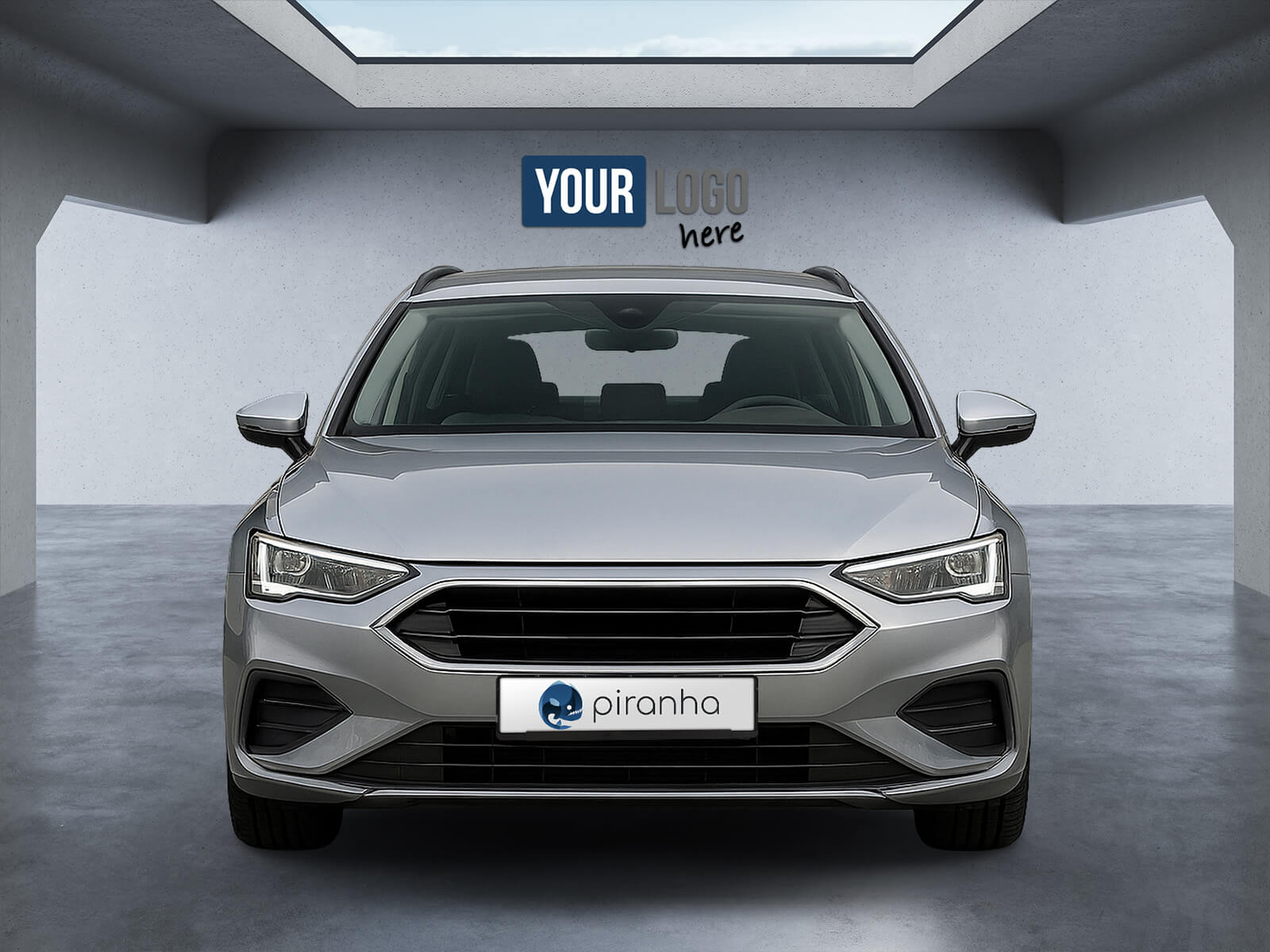
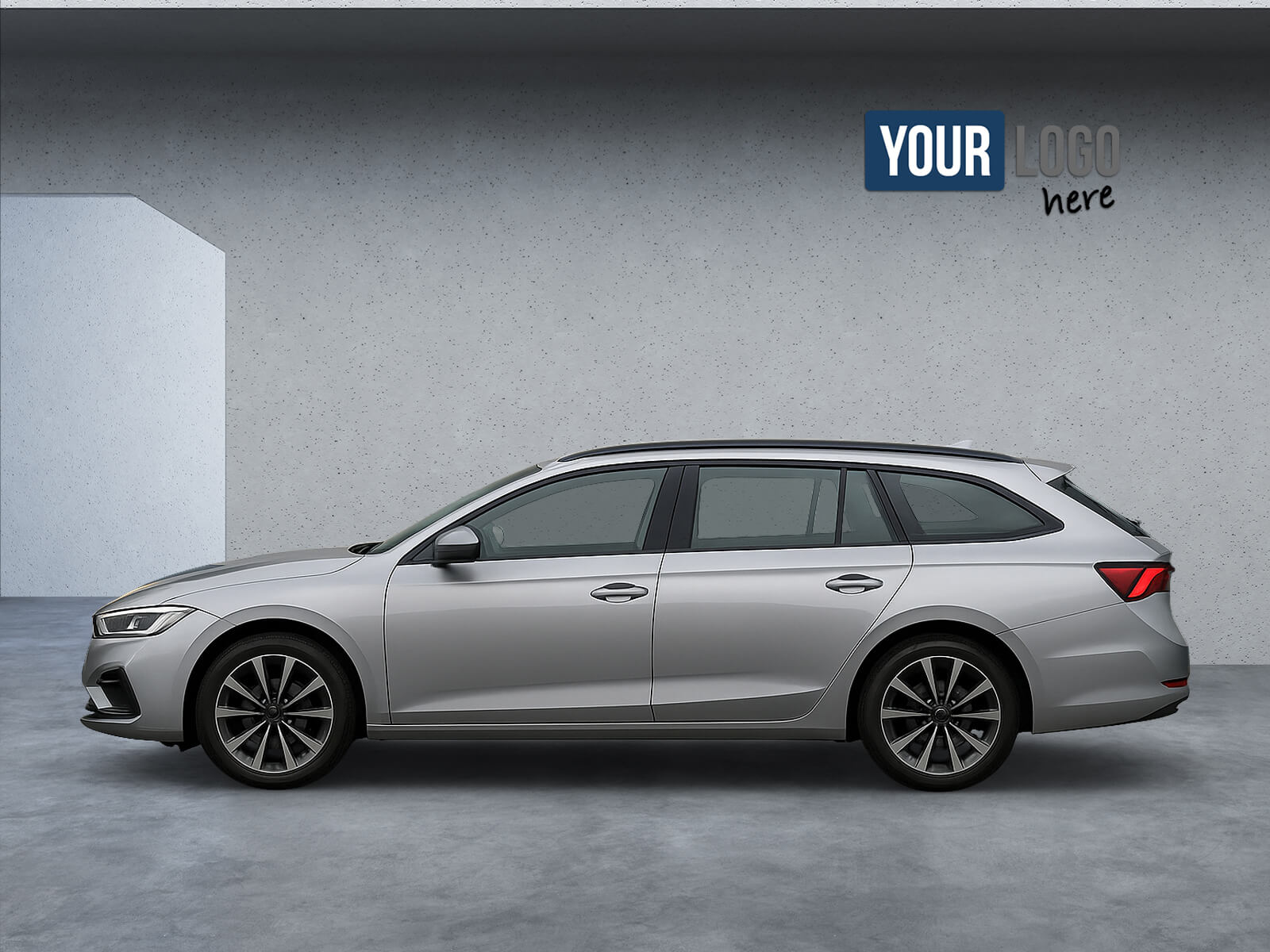
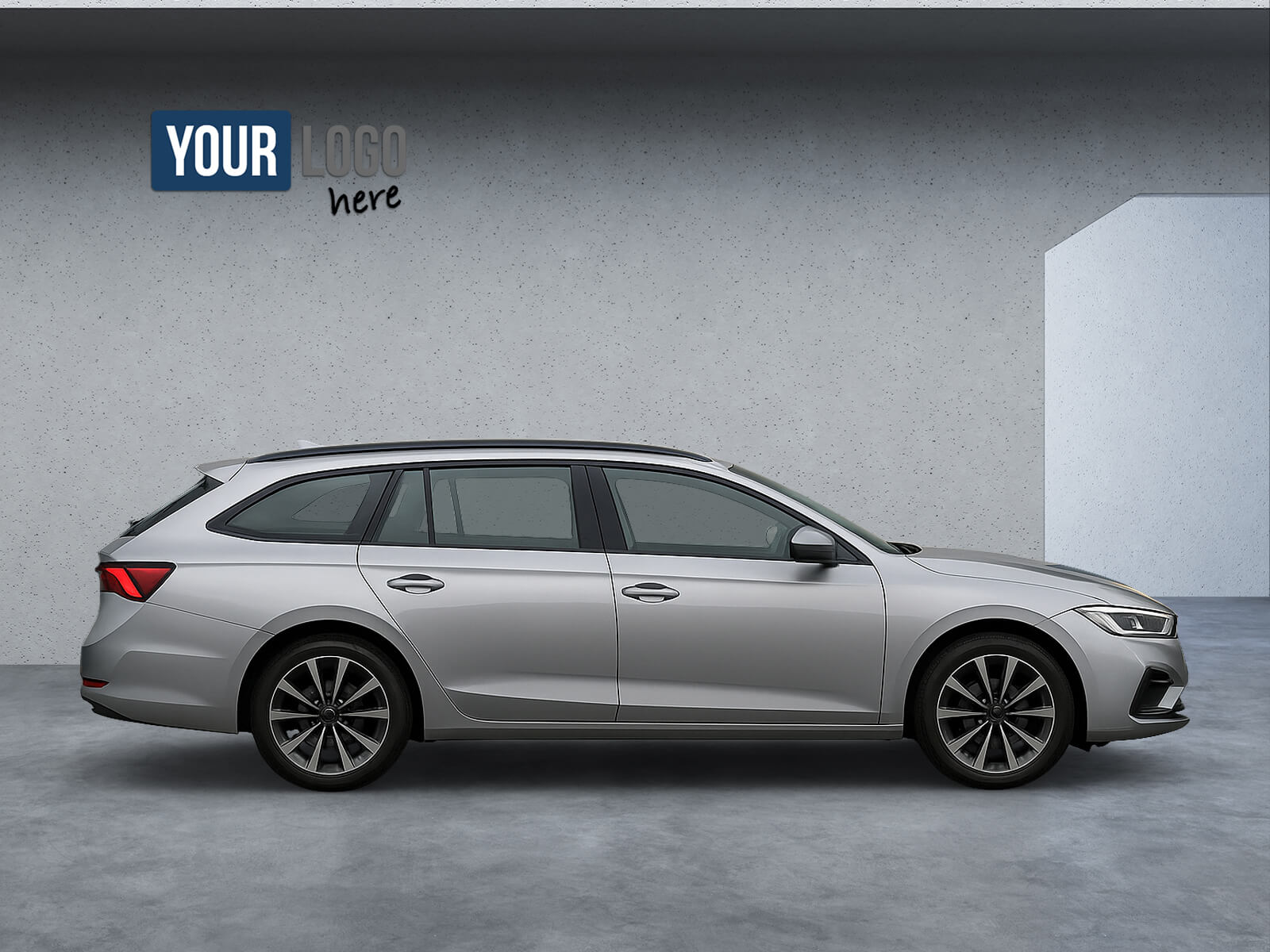
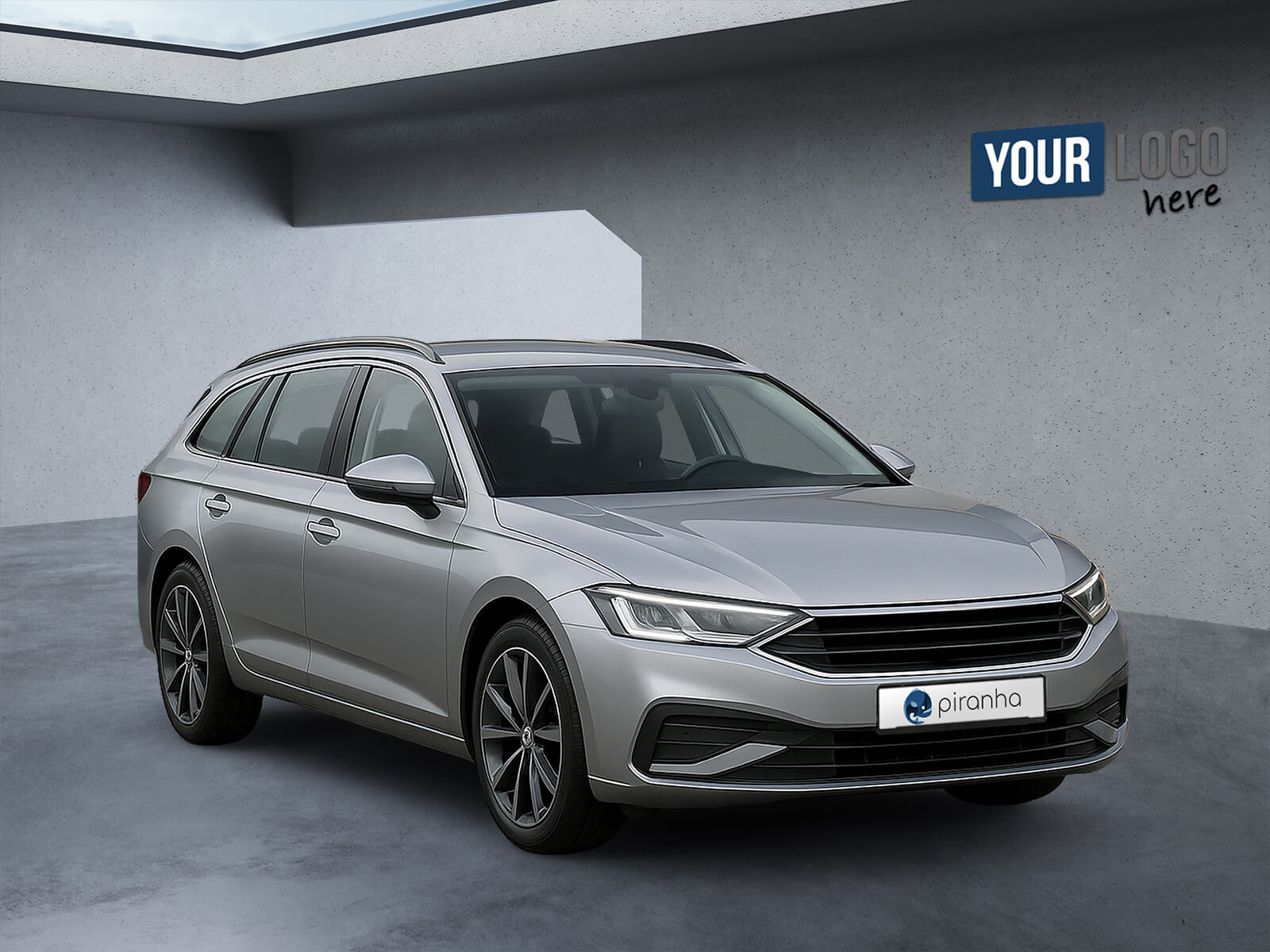
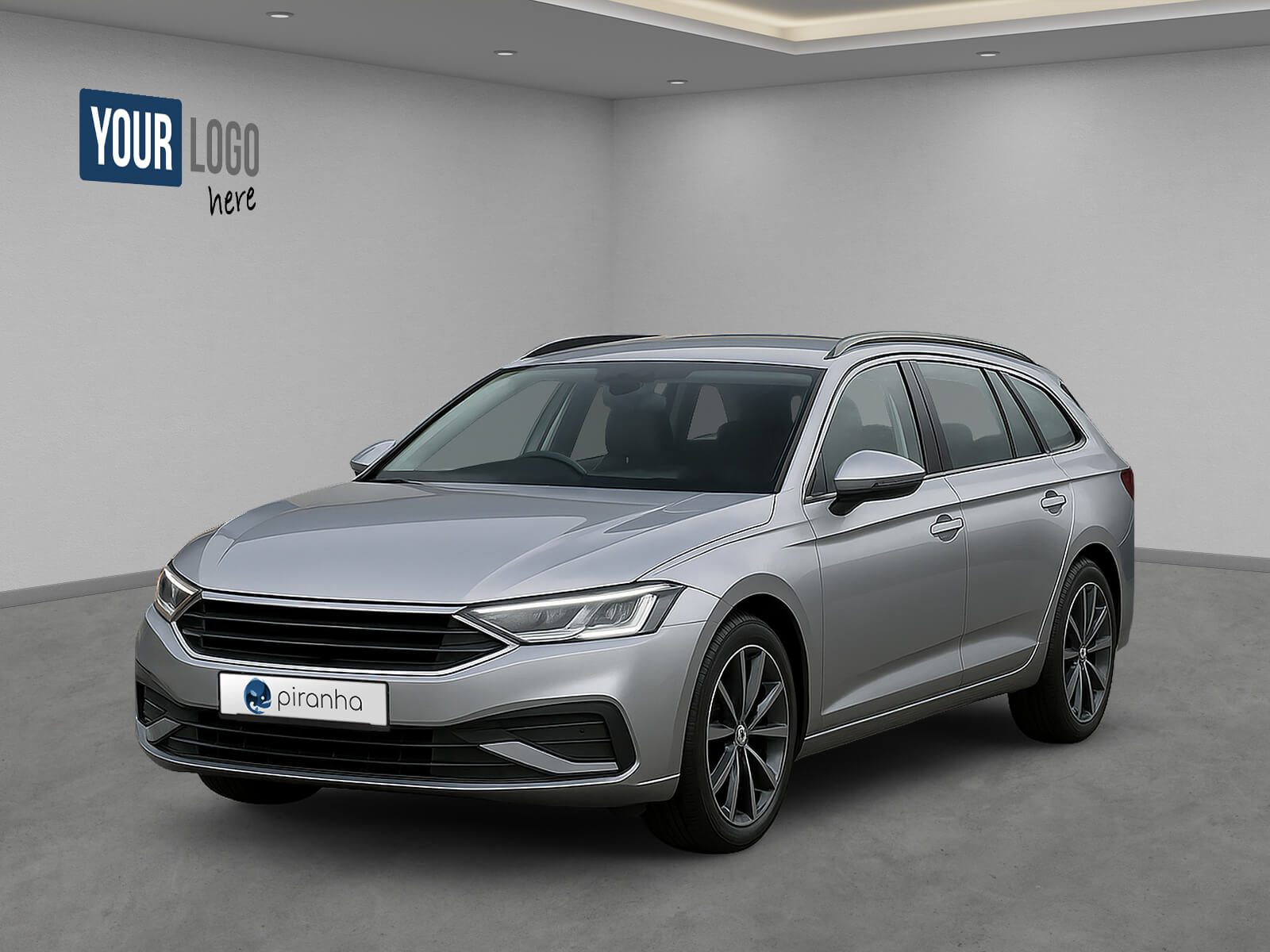
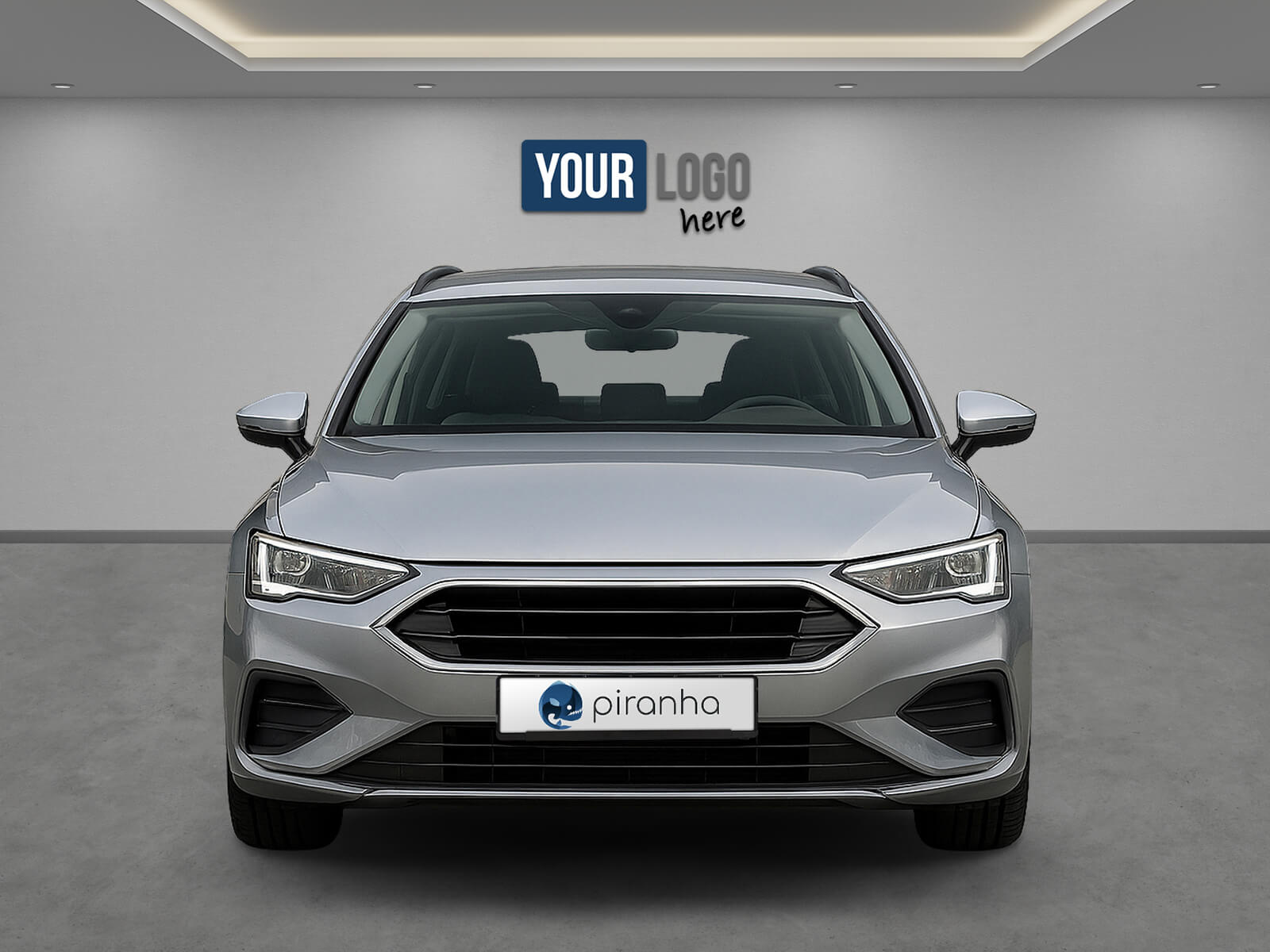
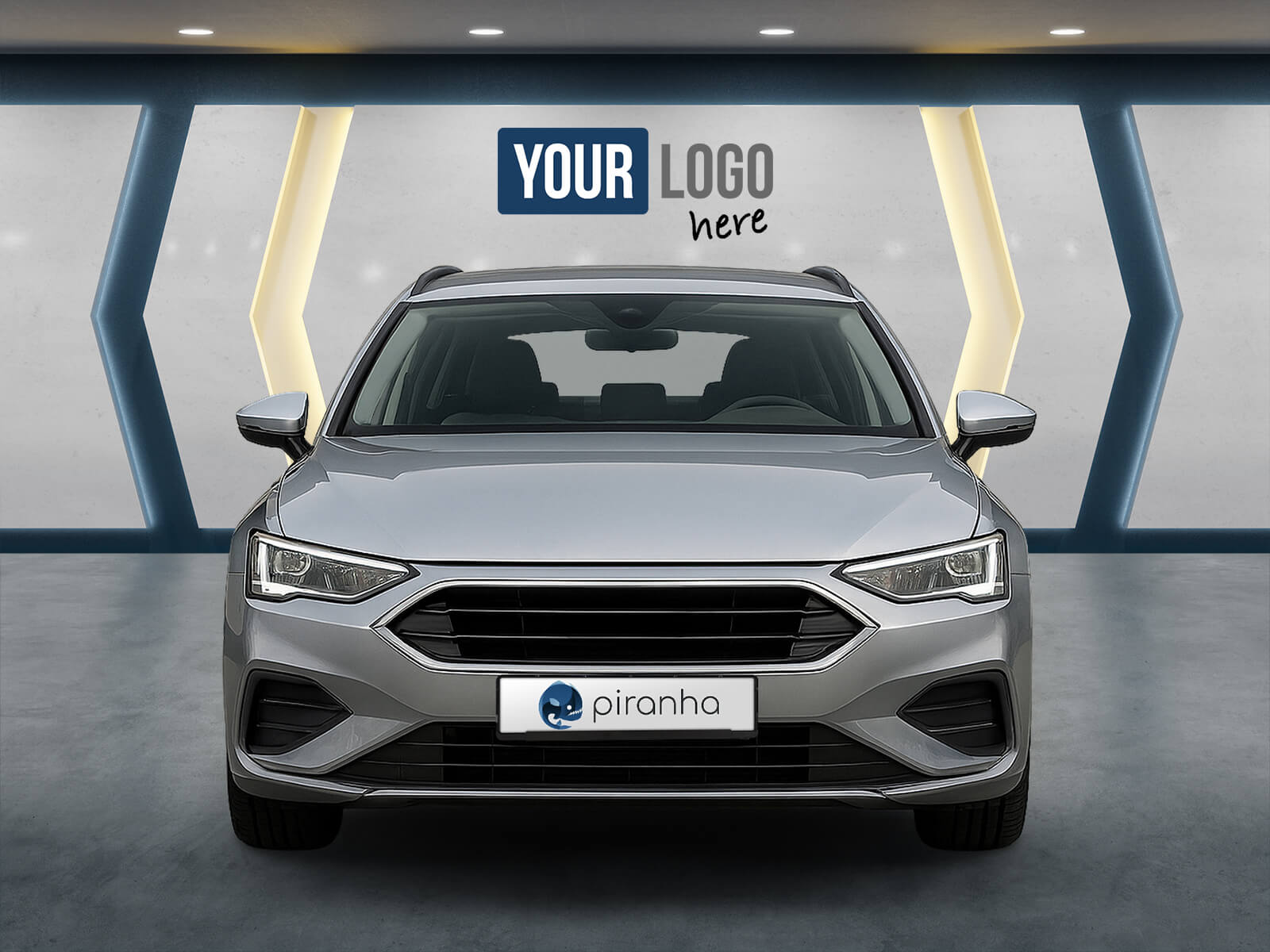
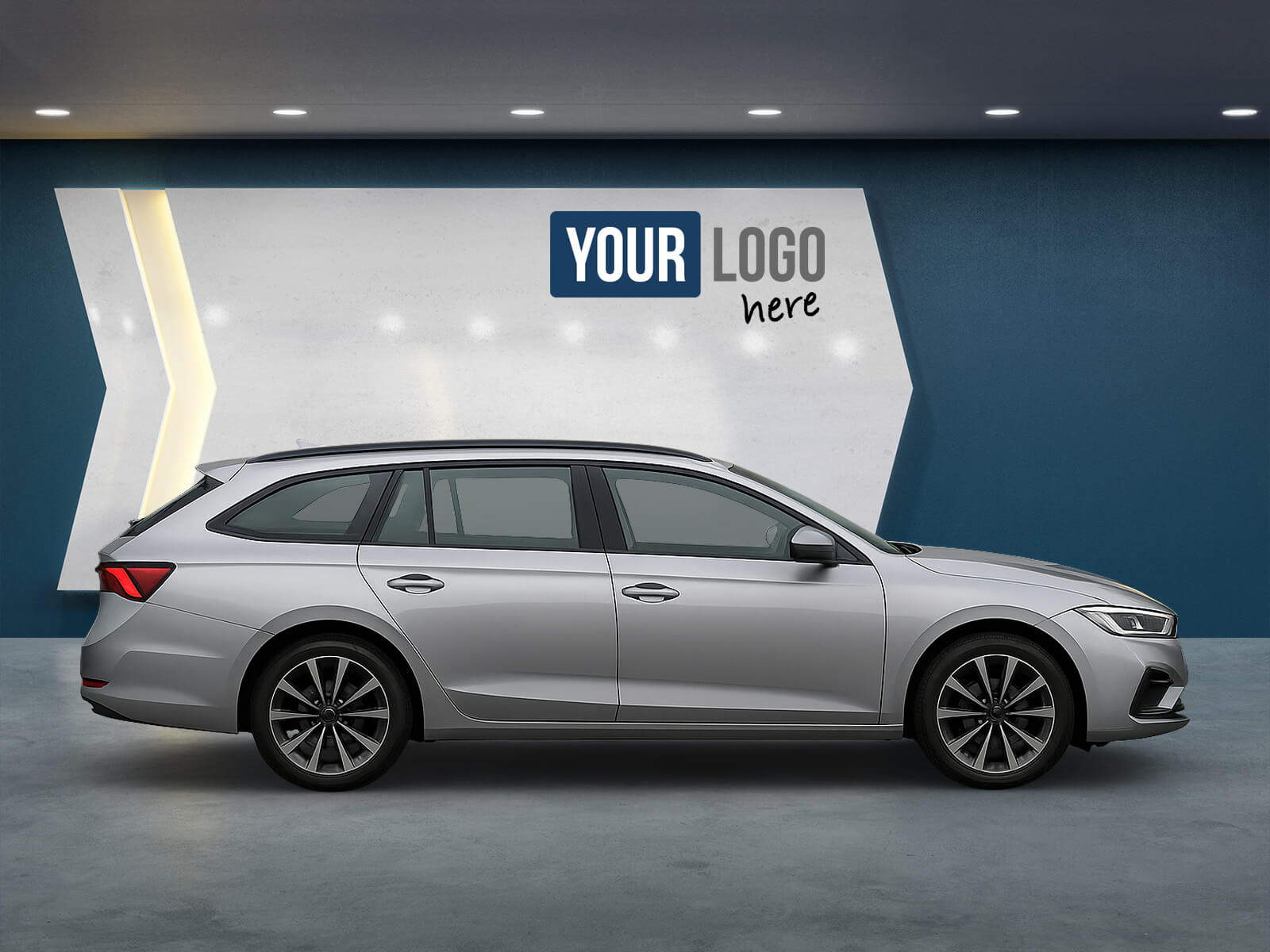
Create your backdrop in the Gecko backdrop configurator. Combine backdrops and roads to suit your needs. With your logo and a banner, your vehicle images will look professional and consistent.

Besides our normal backdrops, we also offer virtual 3D showrooms, backdrops that adapt to the specific view.

Piranha views

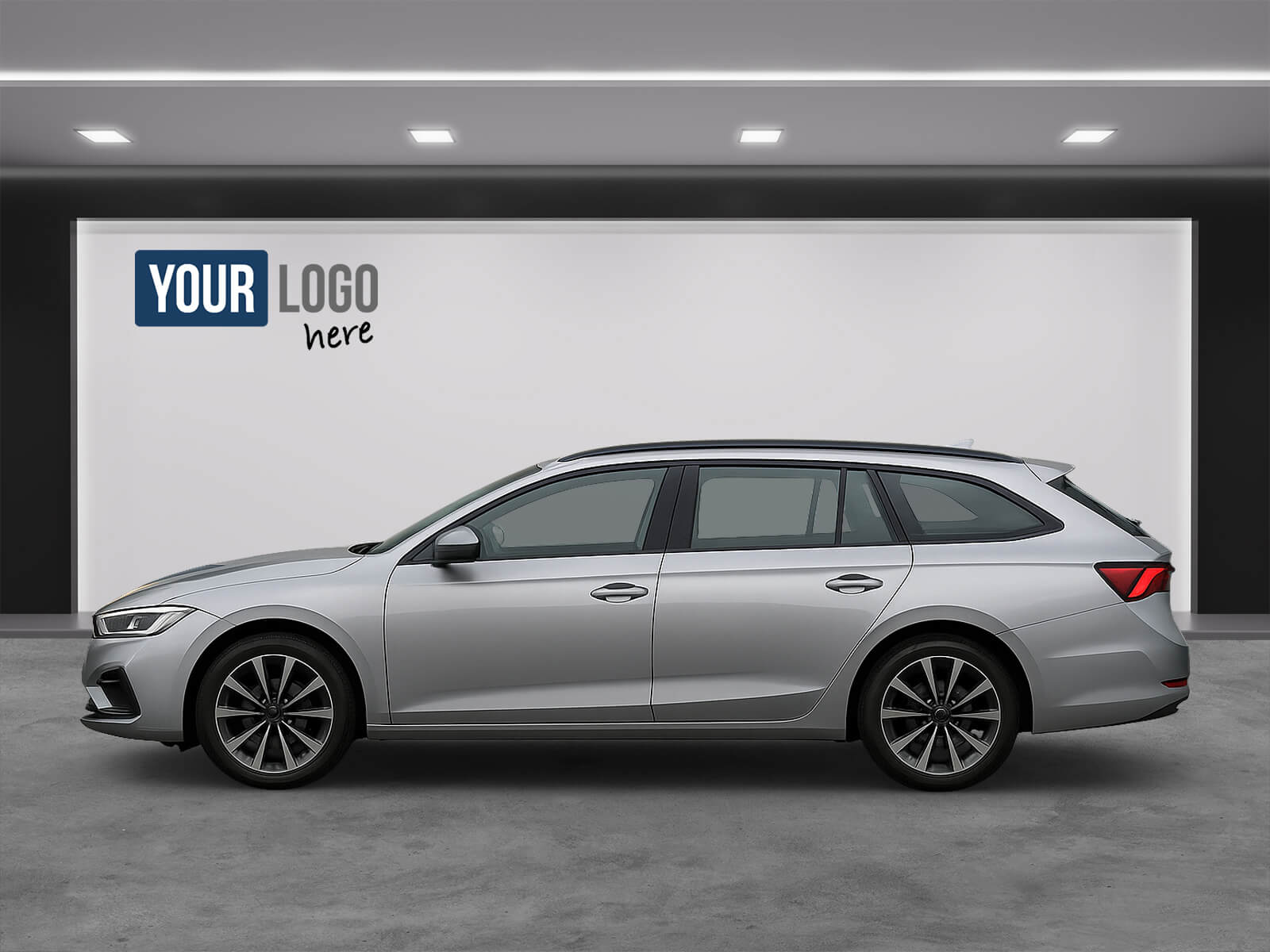
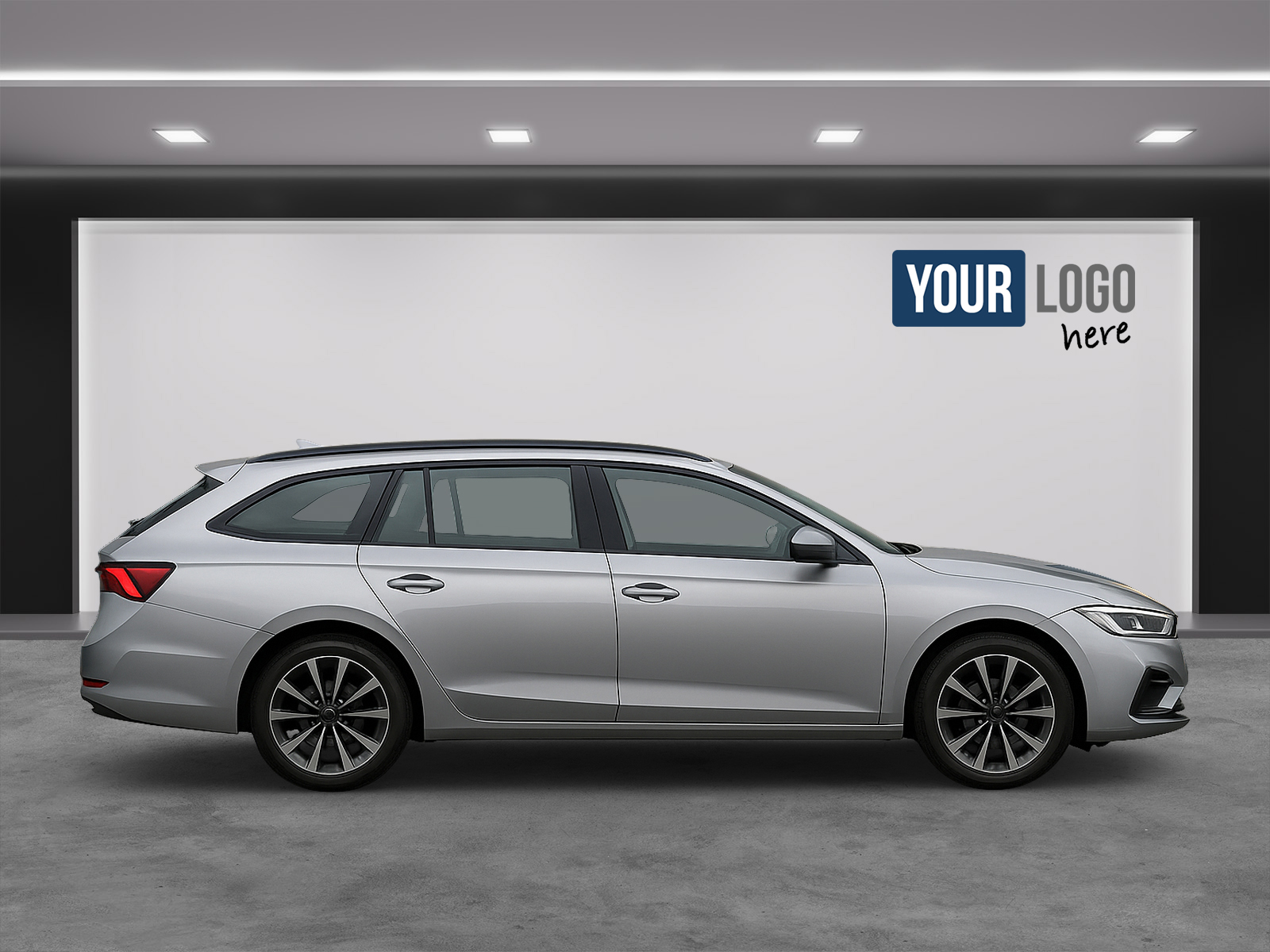
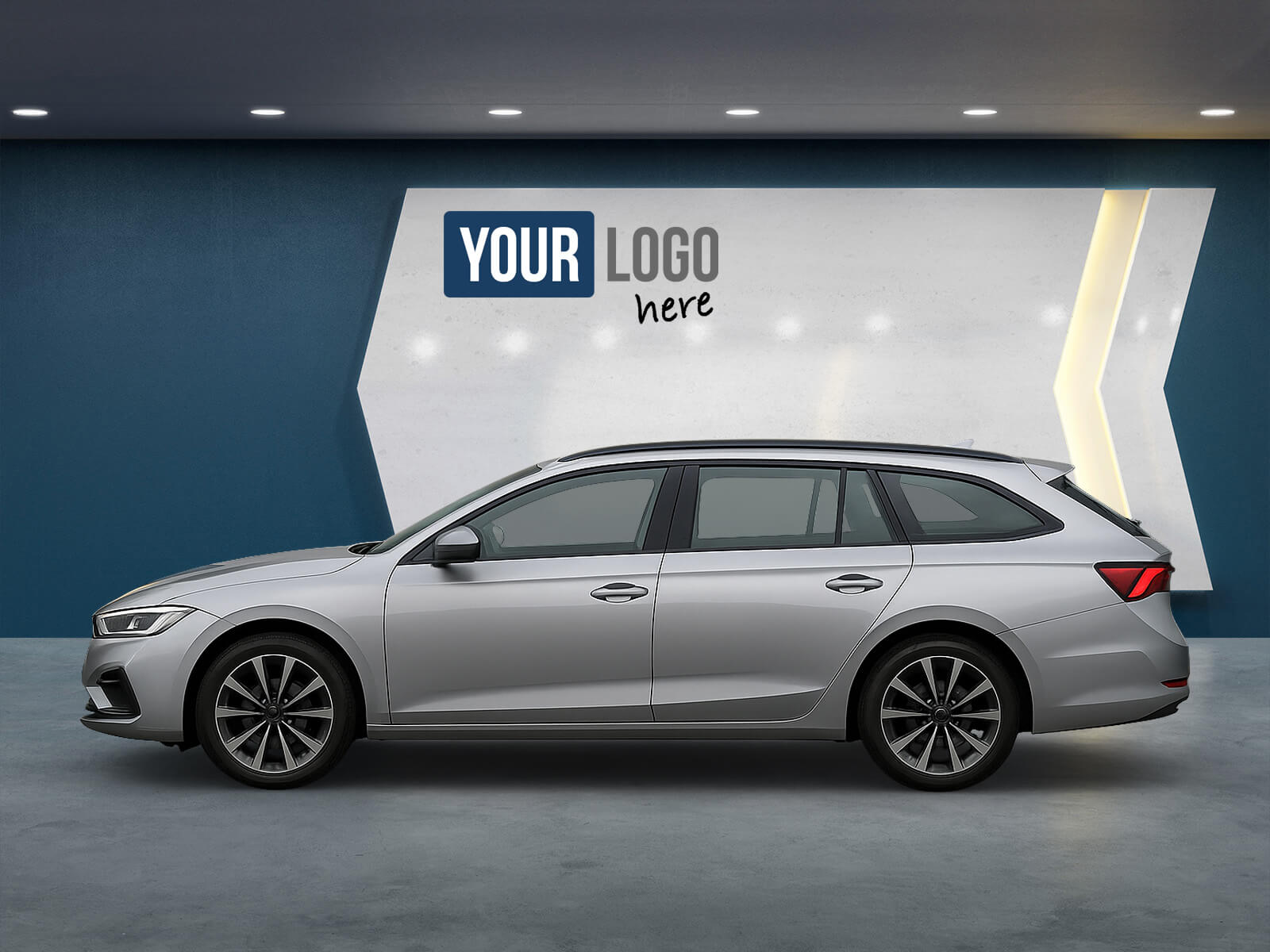
Here you will find all currently available views from which you can put together your personal Piranha set. Not sure which views are best for your needs? Simply contact our support team and we will be happy to advise and help with your selection. You can choose the backdrop for your set from our Gecko Gallery and we can add your logo and other information according to your needs. It is also possible to work with multiple sets. For example, you could choose to have a set with a certain number of images for luxury vehicles and a set with fewer images for regular vehicles.
We offer special views for right-hand drive vehicles which you can find here.

Customized products

Do you want to differentiate yourself from your competitors with individual vehicle pictures? Then we are happy to put together a tailor-made product with you. Whether you want special views, special shooting angles or an increased number of detail pictures, we will define these parameters together with you. Once your individual set has been created, it will appear the next time you restart the Piranha App, ready to guide you through photographing the sets to meet your wishes. Of course, you can also work with several individual or predefined sets and then use them in the app as needed.

Piranha App download links

Available for Android and iOS — in the Google Play Store, the App Store and the Huawei AppGallery.

Compatible with your system

Automated image transfer to the most common vehicle management systems and platforms.

  • Emil Frey
  • Dotzilla
  • Kappe
  • Carix
  • Symfio
  • Autrado
  • Wayke
  • Real Garant
  • SALT24
  • Autotelex
  • Automedia
  • Autohaus Digital
  • Modix
  • WebMobil24
  • my-motion
  • netconnection
  • Bytbil
  • Carliner
  • Audaris
  • AutoDo
  • Pixel Concept
  • easy-car-sales
  • eAutoseller
  • mobile.de

Partner systems with extended integration

More than just image transfer: direct access to vehicle inventories adds real value.

  • Emil Frey
  • Dotzilla
  • Kappe
  • Carix
  • Symfio
  • Autrado

Do you like our solutions?

Sign up for a free test account and see how our app can benefit you.

Get in touch