Octopus.tools

Backdrop configurator

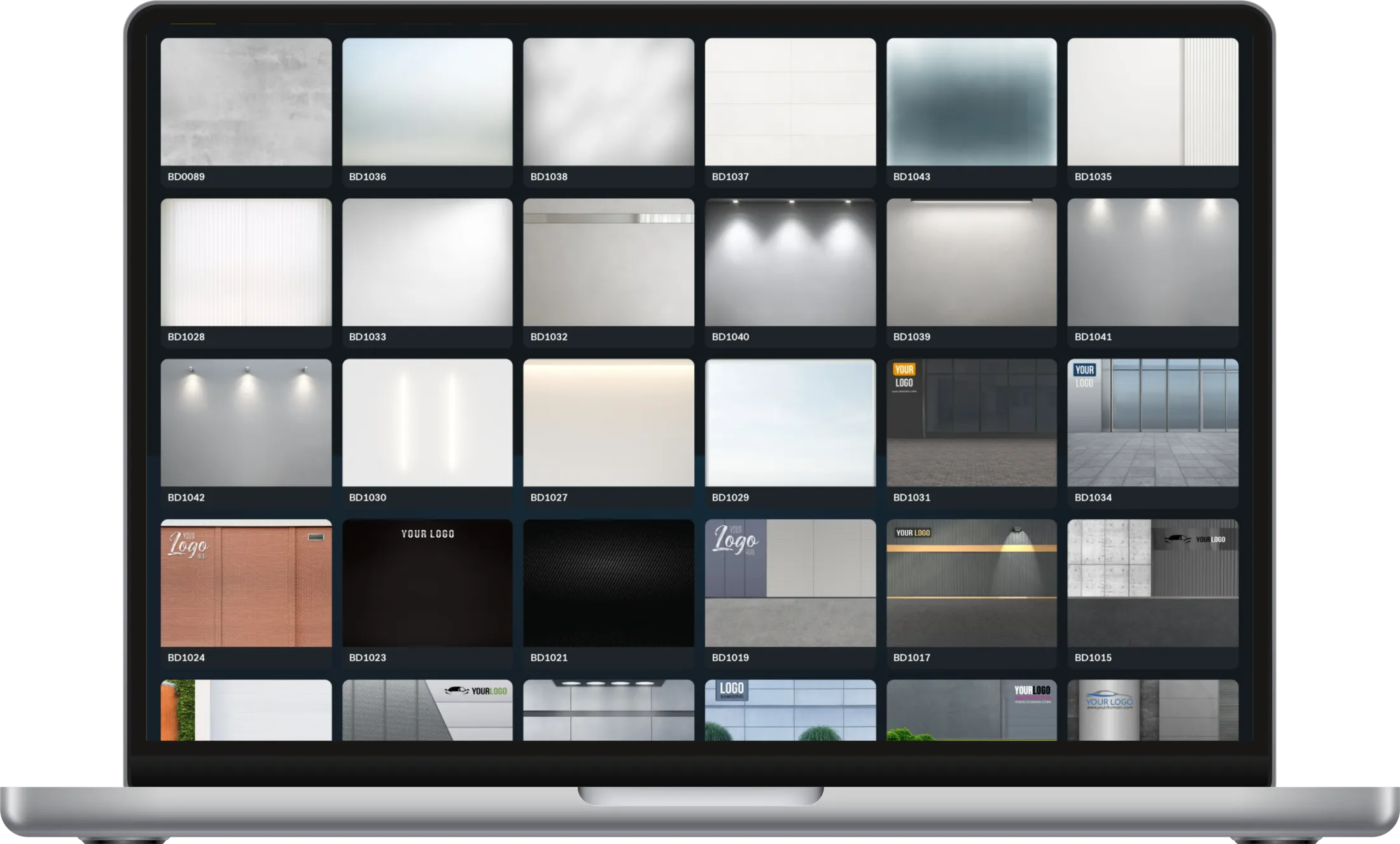
Browse every backdrop available in the Gecko configurator. For vans: 47 backdrops and 27 roads to combine.

How the backdrop configurator works

Welcome to the Gecko Backdrop Configurator! It lets you create your very own combination of backdrop and road. Follow these steps to get started:

  1. 1 Choose your vehicle type: Select from a variety of vehicles, including cars, vans, trucks and motorcycles.
  2. 2 Explore the backdrops: Browse our collection with the arrow buttons next to the preview or pick a backdrop from the gallery below. Find the backdrop that suits your style.
  3. 3 Select your road: Use the arrow buttons or the “Roads” tab below the preview to choose the road that complements your backdrop.
  4. 4 Save or share your setup: Once you’re happy with your design, copy the setup code or download the setup image and send it to support@octopus.tools. You can also save it for the contact form and send it with your request.
  5. 5 Personalize your backdrop: Want your company logo or other graphics on the backdrop? Simply send them to us along with your setup image. Our team will create a personalized backdrop just for you.

With the Gecko Backdrop Configurator you can create a unique backdrop that represents your brand or style. Start creating your custom backdrop today!

Setup codeBD0089R1015
Your setup code: